
Dental practice management software exists to fix exactly this problem. But the market includes dozens of platforms with different deployment models, pricing structures, and specialty fit. The right choice depends on your practice size, clinical focus, IT appetite, and growth plans.
This guide breaks down what dental PMS software actually includes, which features deserve real scrutiny during a demo, how to compare total cost of ownership, and where an AI operating layer like Aria can fill gaps your PMS was never built to cover.
Key Takeaways
- Dental PMS typically covers scheduling, charting, billing, claims, reporting, and communication — depth varies by vendor.
- Cloud, on-premise, and enterprise platforms trade off accessibility, IT responsibility, and cost differently.
- Total cost includes add-ons, training, migration, and support, not just the advertised subscription.
- Test real workflows with the staff who'll actually use the system before you sign anything.
What Is Dental Practice Management Software?
Dental practice management software (PMS) is the operational system that coordinates administrative, clinical, and financial workflows in a dental office.
The American Dental Association defines the category by a core set of functions: scheduling, patient records and charting, claims formatting and filing, payment reconciliation, and insurance eligibility checks.
That definition matters because it draws a line. A PMS is not the same as:
- Imaging platforms that store X-rays and photos (though many PMS products link to them)
- CAD/CAM systems used for same-day restorations
- Patient engagement tools that handle texting, reviews, and forms
- Accounting or payroll software that manages books and paychecks
- AI applications layered on top for analysis or automation
A connected environment, where these systems share data instead of operating in isolation, cuts down on duplicate data entry. It also gives your team a consistent view of each patient, regardless of which screen they're looking at.
The Core Functions of a Dental PMS
Every credible dental PMS handles four core jobs. How deeply it handles them, and what costs extra, is where vendors start to differ.
Scheduling and appointment management usually includes:
- Provider calendars and operatory availability
- Appointment types, waitlists, and cancellations
- Online booking and automated reminders
Look for how the system handles schedule gaps and last-minute cancellations. That's often where practices lose the most production time.
Patient records and clinical documentation hold demographics, medical history, odontograms, periodontal charting, clinical notes, treatment plans, digital forms, and imaging references. Dentrix, for example, documents how completed treatment plan procedures transfer directly into the patient ledger, cutting a manual step out of billing.
Financial and revenue cycle workflows typically include:
- Treatment estimates and insurance eligibility checks
- Electronic claims submission and attachments
- Payment posting and patient statements
- Accounts receivable tracking and collections follow-up
Reporting and operational visibility rolls up production, collections, case acceptance rates, recall compliance, schedule utilization, and provider performance. For multi-location groups, reporting needs to work across sites, not just per office.
Feature depth and add-on requirements vary a lot by vendor. Verify current capabilities against the actual product documentation and a live demo, not a sales sheet.

Deployment Models and Which One Fits Your Practice
Dental PMS platforms fall into a few broad categories, and the differences go well beyond where the software runs.
| Model | How it works | Trade-off to expect |
|---|---|---|
| Server/on-premise | Software runs on a physical server in your office (Patterson describes Eaglesoft this way) | You own hardware, backups, and updates |
| Cloud-based | Vendor hosts everything remotely; access from any browser | Depends on your internet connection and vendor uptime |
| Self-hosted cloud | Your IT provider manages a remote server | Flexibility, but maintenance stays on your team |
| Enterprise/DSO platforms | Built for centralized reporting and multi-location permissions | More configuration upfront, less flexibility for solo offices |
Licensing note: Open Dental changed its version 24.4 license from open-source to proprietary. Don't assume "open-source" claims still apply to current versions of any product without checking directly.
Which model actually fits your situation:
- Solo and single-location practices need intuitive scheduling, charting, billing, and reporting without heavy configuration or a part-time IT hire.
- Specialty practices (ortho, perio, oral surgery) should prioritize workflows built for their clinical model, like ortho-specific charting, over general-dentistry defaults.
- Multi-location groups need centralized reporting, standardized workflows, and the ability to add locations without rebuilding their tech stack.
- DSOs should weigh data standardization, onboarding speed, and repeatable implementation across affiliated offices.
The ADA reports that 16% of U.S. dentists were DSO-affiliated as of 2024, and that share continues to climb. Match the deployment model to your growth path and IT capacity—not only to where you are today.
Features and Capabilities to Evaluate
A feature list on a website tells you almost nothing. What matters is how each capability performs under real conditions.
Clinical, Insurance, and Communication Workflows
Test these directly during a demo:
- Scheduling and patient flow — new-patient booking, waitlists, schedule gaps, multi-provider calendars
- Clinical and imaging connectivity — charting, image viewing, and treatment-plan updates without switching apps
- Insurance and revenue cycle — eligibility verification, claim submission, denial handling, and AR follow-up
- Patient communication — SMS, voice, email, web chat, automated recall, and consent management
Script the demo around a real day: new-patient booking, same-day eligibility, chairside charting, and a recall text—not the vendor’s happy path.
Analytics, Automation, and Security
Ask specific questions here instead of accepting marketing language at face value:
- Which data sources actually feed the reports?
- Can you compare providers or locations, or just view one office at a time?
- Where does automation stop and human review start?
- What encryption, access controls, and audit trails are in place?
- What happens to your data — export format, timeline, cost — if you leave?
That last point deserves more attention than it usually gets. Practices that don't confirm export terms upfront often find themselves stuck negotiating from a weak position later.
How to Choose Dental Practice Management Software
Before you look at a single vendor name, document your actual problems: billing delays, schedule gaps, inconsistent recall follow-up, weak reporting, too much manual work, or trouble standardizing across locations.
Then work through these steps:
- Build a requirements list split into must-have, useful, and nice-to-have. A flashy feature list shouldn't outweigh practical fit.
- Compare total cost of ownership. Include licensing, hardware, hosting, support, implementation, training, migration, payment processing, and clearinghouse fees.
- Assess migration risk. Dentaltown's conversion checklist recommends a test conversion before cutover. It also warns against changing multiple connected systems at once, whatever vendor you choose.
- Test with the actual staff who'll use it daily: front office, billers, hygienists, providers, and office managers. Collect feedback on speed and clarity, not just whether it "looks nice."
- Build a vendor scorecard covering functionality, integration depth, security, support, and cost. Ask for case studies that back up any efficiency claims.

During the demo itself, push the vendor to:
- Walk through one full patient scenario: booking, charting, claim submission, unaccepted plan follow-up, and payment
- Break down what's included in the base subscription versus what requires paid modules or per-user fees
- Provide references from practices similar in size, specialty, and location count
- Explain how support, training, and urgent technical issues get handled after go-live
How Aria Fits Into a Modern Dental Software Stack
Even a well-chosen PMS leaves gaps. It's the system of record for scheduling and clinical data, but it wasn't built to pull insights from your revenue cycle software, payroll system, and patient communication platform all at once.
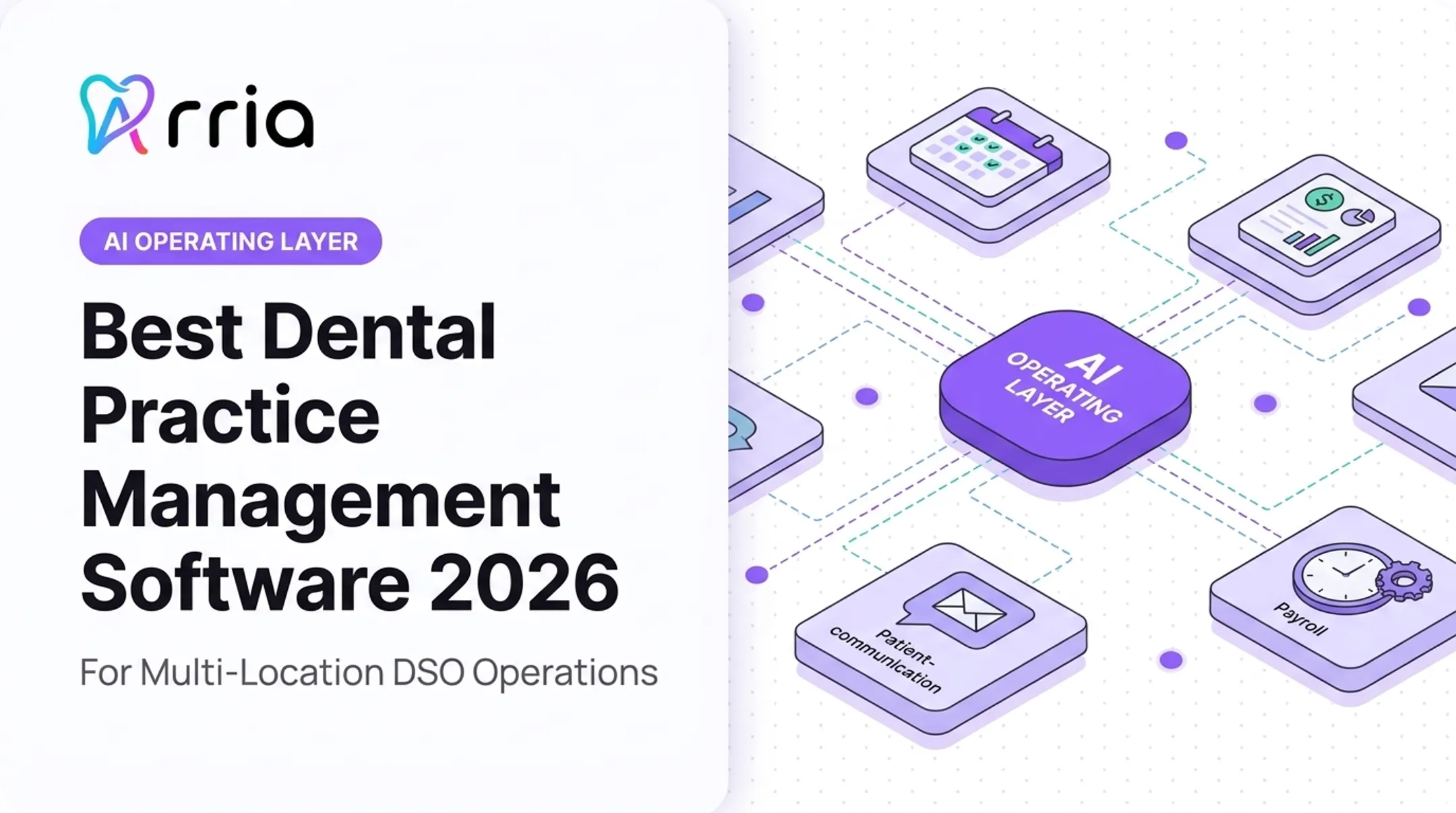
That's the specific gap Aria fills. Aria is an AI operating layer that connects information across practice management, revenue cycle, payroll, patient communications, procurement, and finance systems, without replacing any of them. Your PMS stays the system of record; Aria sits alongside it.
In practice, this means:
- Asking a question in plain language ("How does hygiene production compare across our three locations this quarter?") instead of exporting spreadsheets from four systems
- Turning that answer into a recurring report or an automated alert
- Launching patient outreach for recall, reactivation, or unscheduled treatment directly from the same layer
- Flagging no-show risk, churn risk, and schedule gaps before they cost you production time
This maps directly onto the evaluation criteria covered above: cross-system visibility, administrative automation, and faster identification of operational problems.
According to Aria's own reported figures, practices using the platform have seen an average 32% reduction in administrative overhead and more than 20 hours of administrative time returned per week (company-reported results, not guarantees for every practice).

The practical takeaway: don't start by shopping for a replacement PMS. Start by identifying where your current system and connected tools leave visibility or workflow gaps. From there, decide whether the fix is a new platform, an added integration, or an AI operating layer that connects what you already have.
Frequently Asked Questions
What are some popular dental practice management software programs?
Commonly used options include Dentrix, Dentrix Ascend, Eaglesoft, Open Dental, Curve Dental, CareStack, Denticon, DentiMax, tab32, and Archy. Popularity varies by practice type, so verify current pricing, features, and support before deciding.
How much does dental practice management software typically cost?
Costs vary widely based on deployment model, practice size, and add-ons like clearinghouse fees or extra modules. Always request a full breakdown covering subscription, implementation, training, and support fees.
Is cloud-based dental software secure?
Cloud hosting doesn't remove your HIPAA responsibilities — practices and vendors both carry obligations. Confirm encryption, access controls, and business associate agreements before signing.
Can I switch dental software without losing patient data?
Yes, if you plan for it. Request a test data conversion and a written migration scope covering demographics, clinical history, images, and financial records before cutover.
What's the difference between a PMS and an EHR in dentistry?
A PMS emphasizes administrative and financial workflows like scheduling and billing. Clinical documentation, including charting, typically lives within the PMS rather than a separate system for most dental practices.