
This complexity creates a major challenge for practice owners and managers. You have to navigate a maze of legacy on-premise systems, modern cloud platforms, and specialized tools, all while protecting patient data and avoiding workflow disruption. The wrong choice can lead to years of frustration and wasted resources.
This guide is designed to help. We'll compare some of the leading options for US dental practices, explain which types of practices they suit best, and provide a clear checklist for evaluating features, integrations, and total cost of ownership.
Key Takeaways
- A modern PMS combines scheduling, patient records, billing, claims, and reporting, but the depth of these features varies dramatically between vendors.
- The best platform for your practice depends on its size, specialty, cloud vs. on-premise preference, and specific integration needs for imaging and billing.
- Compare data portability, HIPAA safeguards, implementation support, and the full cost of ownership—not just the monthly subscription fee.
- For practices already on a PMS, a connected AI operating layer like Aria can complement your system by unifying data and automating workflows.
Overview of Dental Practice Management Software in the US
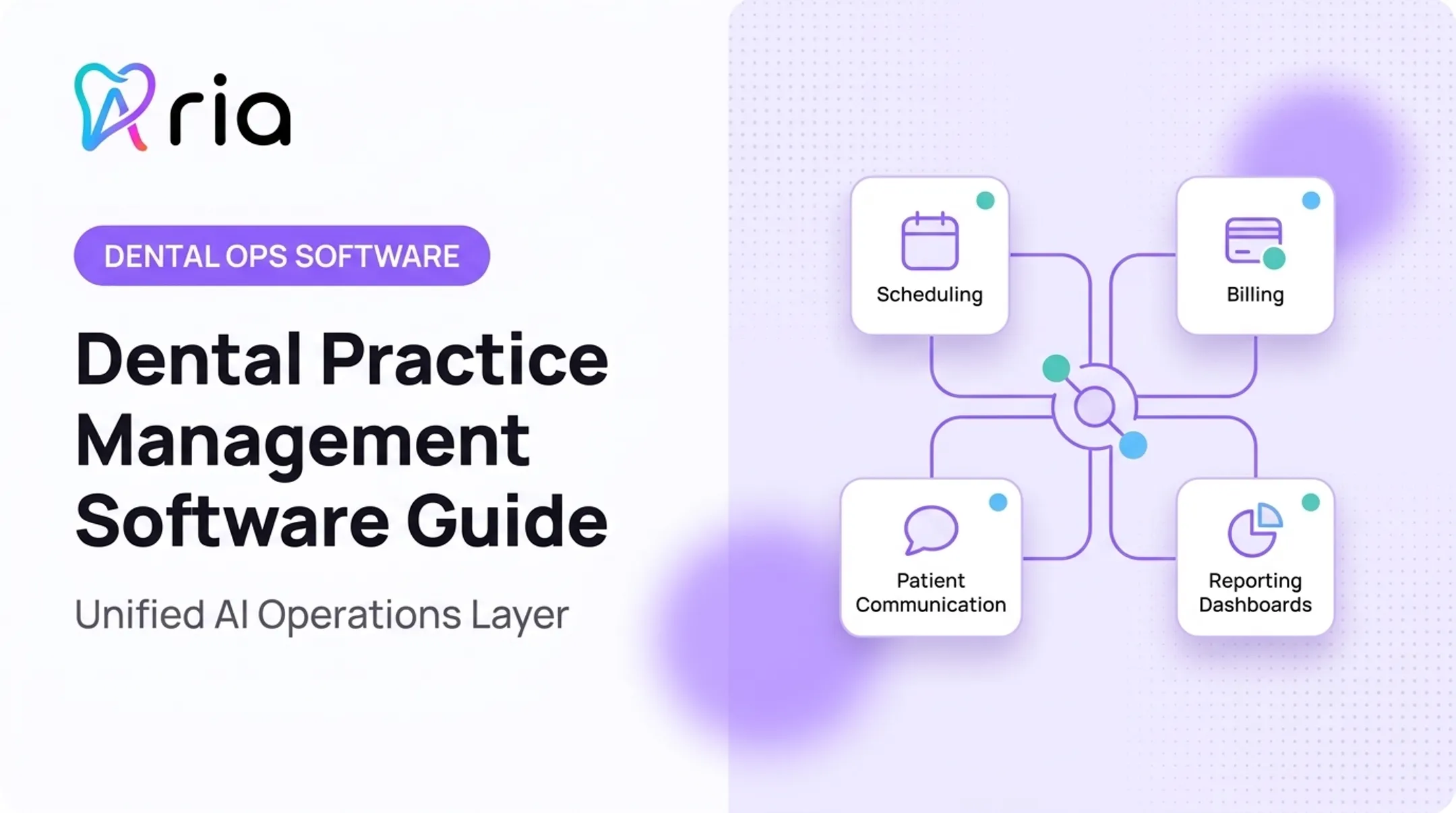
Dental practice management software (PMS) is the operational system that runs a dental office. It coordinates patient scheduling, clinical records, treatment workflows, billing, insurance claims, and practice reporting.
The PMS is still only part of the software stack. Most offices also rely on adjacent tools that plug into—or sit beside—the core system:
- Dental imaging & charting: Captures and stores X-rays and clinical images
- Patient engagement: Handles reminders, reviews, and marketing outreach
- Accounting & payroll: Manages the general ledger and staff payments
- Revenue cycle management (RCM): Focuses on collections and insurance reimbursement
- AI & analytics platforms: Connect existing systems for reporting, automation, and operational insight
For modern US practices, a few capabilities are now baseline expectations:
- Cloud access for remote work and multi-location oversight
- Two-way patient communication and online scheduling
- Electronic claims processing
- Analytics and automation that cut manual admin work
Needs still scale with the business. A solo practice prioritizes different workflows than a multi-location group or Dental Service Organization (DSO). The right choice is the platform—or combination of tools—that matches your size, systems, and daily operations.

Best Dental Practice Management Software for US Practices
The following platforms are some of the most commonly evaluated options in the US market. This is not a definitive ranking, but a starting point for your research. Always verify current features, pricing, and contract terms directly with each vendor before making a decision.
Dentrix
Positioning: Dentrix from Henry Schein One is a long-established, locally installed (on-premise) PMS. Single-location practices often choose it when they want a comprehensive system running on their own server.
Key Features:
- Scheduling and online booking modules
- Clinical charting and treatment planning
- Insurance verification and claims processing
- Patient communications and financial ledgers
- Dashboards and standard reporting
Things to Consider: Dentrix is server-based, so your practice owns hardware upkeep and maintenance. Many modern tools—online booking and digital forms among them—often require an additional subscription fee.
Ask for the full module cost, backup procedures, and a clear migration path if you later move to the cloud.
Dentrix Ascend
Positioning: Also from Henry Schein One, Dentrix Ascend is the cloud-native counterpart to the classic Dentrix. It’s built for practices that prioritize remote access, centralized oversight, and streamlined multi-location management without the need for on-site servers.
Key Features:
- Fully browser-based access from any location
- Centralized scheduling, records, and billing for groups and DSOs
- Built-in online booking, patient forms, and communication tools
- Role-based user permissions and cross-location analytics
- Multi-location analytics and shared operational visibility
Things to Consider: As a cloud platform, stable internet is non-negotiable—plan a backup connection. Onboarding typically runs 4–6 weeks. Migration from classic Dentrix is a full conversion, not a simple upgrade, and some items (such as clinical note templates) must be recreated manually.
Confirm what sits in the base subscription versus add-ons like ePrescribe or Ascend Pay.
Open Dental
Positioning: Open Dental is known for its flexibility, powerful customization, and transparent pricing. It's a strong choice for practices that have in-house IT capabilities and want deep control over their software configuration and access to their raw data.
Key Features:
- Flexible deployment on a local server or hosted cloud service
- Appointments, clinical records, billing, and imaging tools
- Published API and direct database access for custom reports
- Clinics feature for multiple locations in one database
Things to Consider: That control comes with responsibility. Open Dental support does not handle network setup, so self-hosted practices need capable IT. Its US-only Cloud option exists but remains limited release, with some integration caveats.
Confirm your team can manage and maintain the system day to day before you commit.
Eaglesoft
Positioning: Eaglesoft, from Patterson Dental, is another long-standing, server-based PMS. It combines clinical and financial management and is designed to be the hub of a practice's technology, integrating with a wide array of imaging and patient communication partners.
Key Features:
- Integrated clinical charting, imaging, and scheduling
- Billing, insurance claims, and patient account tools
- Ecosystem of 55+ authorized third-party integrations
- Recalls and patient reminder workflows
Things to Consider: Eaglesoft is server-based, so plan hardware early—typically a 64-bit server on a recent Windows Server release. Support plans often require 24-month enrollment.
Data conversion usually takes 4–6 weeks, but most imaging systems do not convert historical images, so those files may not transfer.
CareStack
Positioning: CareStack is a modern, all-in-one cloud platform designed for single practices, growing groups, and DSOs. It aims to consolidate practice management, patient engagement, and RCM into a single, unified system, reducing the need for multiple vendors.
Key Features:
- Cloud suite for scheduling, charting, claims, analytics, and patient engagement
- Multi-location controls and centralized reporting for groups
- Specialty workflows, including endodontic referral tracking
- Unified RCM and patient engagement in one system
Things to Consider: Essentials pricing starts at $829/month, so treat total cost as a major decision factor. Guided onboarding for a single practice often lands in the 4–5 week range. Confirm which “enhanced products” your contract actually includes.
Complex practices may face extra data-conversion or training fees—get an itemized quote that covers the full scope before you sign.

How We Chose the Best Dental Practice Management Software
Choose a PMS for the business outcomes it delivers and how well it fits your workflows—not for brand names or feature-list length. Use this checklist when you evaluate platforms.
Evaluation Criteria
Deployment and access
- Model: Cloud (browser), server-based (on-premise), or hosted hybrid?
- Access: Mobile or browser access for remote work? Who owns backups and uptime?
- Requirements: Exact hardware and internet speed needs?
Per HHS cloud-computing guidance, a cloud provider that holds patient information is a HIPAA business associate and needs a formal agreement—even when data is encrypted.
Operational coverage
- Front office: Flexible templates, multi-provider/operatory scheduling, and online booking?
- Clinical: Intuitive charting that supports your treatment-planning process?
- Financial: Smooth electronic claims, eligibility checks, and payments?
- Patient comms: Recalls, reminders, and two-way messaging built in—or a paid add-on?
Interoperability and data control
- Integrations: Clean connections to imaging, lab, and clearinghouse partners—and any extra fees?
- Data access: API access or direct database access from the vendor?
- Portability: Clear export process if you leave, with written confirmation of formats?
The ADA still flags electronic record interoperability as a challenge, so lock down export terms before you buy.
Security and implementation
- HIPAA: Documented access controls, audit logs, and encryption?
- Onboarding: Implementation steps, included training, and training cost?
- Support: Hours, channels (phone, chat, email), and guaranteed response times?
Commercial fit
- Pricing: Monthly subscription or one-time license? Fees per provider, location, or module?
- Hidden costs: Setup, data migration, and payment-processing fees?
- Contract terms: Length, renewal rules, and three- to five-year total cost of ownership—not only the sticker price?

Beyond the PMS: The AI Operating Layer
After you score vendors, your current PMS may still handle core records well while the team burns hours on manual work. Pulling reports, chasing unscheduled treatment, and answering basic business questions often eats dozens of hours a week.
An AI operating layer like Aria sits on top of that stack. It does not replace your PMS. It connects the PMS with RCM, payroll, and communications so teams work from one hub.
- Ask in plain English: "Show me unscheduled hygiene appointments for next month" or "Compare production for Dr. Smith vs. Dr. Jones for Q2."
- Auto-send follow-ups on unaccepted treatment plans and build a daily morning-huddle report.
- See practice performance in one place instead of logging into five systems and building spreadsheets by hand.
Practices using Aria report an average 32% cut in administrative overhead and 20+ hours less manual admin time per week.
Conclusion
The best dental practice management software is the one that fits your practice's unique workflows, patient volume, specialty, and growth plans. Don't be swayed by the most recognizable name or the longest feature list.
Before you sign any contract:
- Insist on workflow-specific demonstrations
- Test real-world scheduling and billing scenarios
- Scrutinize security and data-export terms
- Speak with practices similar to yours about their experiences
If you already have a PMS but are drowning in fragmented reports and manual tasks, it may be time to look beyond the PMS itself. An AI operating layer like Aria can connect your existing systems, turn operational insight into automated action, and give your team time back for patient care.
Frequently Asked Questions
What is the best software for managing a dental practice?
The "best" option depends on your practice's size, specialty, and technical preferences. A solo practice may prioritize ease of use, while a DSO will need strong multi-location reporting. Compare platforms like Dentrix, CareStack, and Open Dental against your requirements.
What is the most popular dental practice management software?
Popularity is hard to measure and varies by market segment. Some share figures reflect global revenue, not US practice count. Focus on workflow fit, not just the most common name.
Is there any free software for dental clinics?
While some open-source options exist, they often come with hidden costs. You must assess who is responsible for hosting, security, HIPAA compliance, updates, support, and backups. For most practices, a commercially supported platform is a safer investment.
What is the best dental accounting software?
Dental accounting software is different from a PMS. A PMS manages patient billing, while accounting software like QuickBooks handles your general ledger, payroll, and accounts payable. Ensure your chosen PMS can integrate or export data to your accounting system.
What software do endodontists use?
Endodontists need core PMS functions plus specialty workflows for referrals, complex cases, and imaging integration. When demoing, test referral tracking and multi-visit treatment plans.
What is dental practice management?
It’s the business side of dentistry. It coordinates clinical, financial, and administrative work—scheduling, staffing, patient communications, compliance, and reporting—so the practice runs efficiently and profitably.