
Many practices struggle with this daily. Reminders sent too early get forgotten. Reminders sent too late arrive after the patient has already made other plans. Get the timing, channel, and wording right, and reminders do double duty: they protect your schedule and make the whole experience less stressful for patients.
This article gives you copy-ready dental appointment reminder templates for SMS, email, and phone, along with guidance on timing, personalization, confirmations, rescheduling, and compliance. Treat every example as a starting point. Adapt the wording to your appointment types, your patients' communication preferences, your office policies, and whatever your practice management or patient communication system can actually support.
Key Takeaways
- State the practice name, patient name, date, time, and provider clearly in every reminder
- Use a sequence of messages, not a single reminder, and adjust timing by appointment type
- Keep SMS short and free of unnecessary health details; save specifics for email or secure portals
- Build in an easy confirm, cancel, or reschedule option so patients can act before you lose the slot
- Track response and show rates to refine your templates and timing over time
What to Include in an Effective Dental Appointment Reminder
A reminder only works if the patient can act on it in five seconds or less. That means every message needs a handful of non-negotiable elements.
Essential Message Components
Include these every time:
- Practice identification - name and, for multi-location groups, the specific office
- Patient's first name - generic greetings get ignored or mistaken for spam
- Date and time - spelled out, not abbreviated into something easy to misread
- Provider or location - especially important for multi-provider or multi-site practices
- Preparation information - only when a clinical team has approved the specific instructions
- A clear next action - confirm, reschedule, or call the office
Tone matters as much as content. Keep it concise, friendly, and reassuring. Avoid anything that reads as a threat ("failure to show will result in...") or as a sales pitch.
A reminder is functional communication, not a marketing email. Skip unrelated promotions and seasonal offers that distract from the one thing you need the patient to do.
Tailoring Content by Appointment Type
A routine cleaning reminder and a sedation reminder shouldn't look the same. Adjust for:
- Routine hygiene visits - short and simple, minimal prep needed
- New-patient appointments - add forms, insurance details, and arrival timing
- Restorative treatment - note any pre-visit instructions the clinical team has approved
- Sedation or surgical visits - include fasting rules, driver requirements, and aftercare contacts
- Pediatric and family appointments - confirm which family members are included and at what times
That extra tailoring pays off in attendance. In one often-cited pediatric dental clinic study, broken appointments dropped sharply when staff made a confirmation call rather than skipping outreach, according to Christensen et al.'s study. The two call timings tested performed similarly to each other and far better than no call at all.

It's a single-clinic result from 2001, not a universal benchmark. Still, the point holds: timely, actionable contact changes attendance behavior.
Dental Appointment Reminder Templates by Timing and Channel
A single reminder rarely does the job. Most practices get better results from a short sequence: confirmation right after booking, an advance reminder a few days out, a follow-up for anyone who hasn't responded, and a brief same-day nudge.
Treat this as a flexible starting cadence, not a fixed rule. Test it against your own show rates before locking it in.
SMS Templates
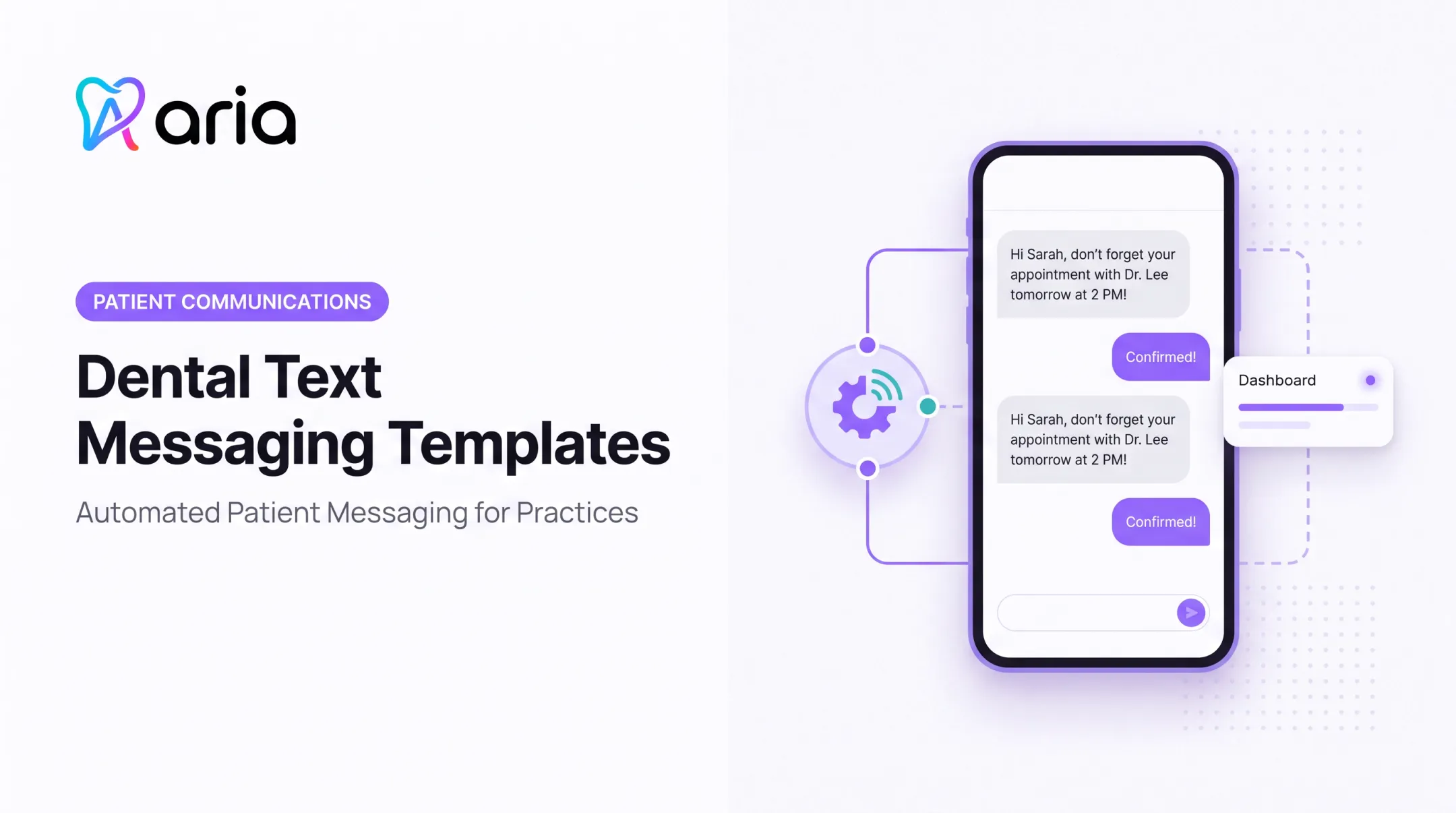
Immediate booking confirmation: "Hi [Patient First Name], you're booked with [Practice Name] on [Date] at [Time] with Dr. [Provider]. Reply YES to confirm."
48-72 hour reminder: "Reminder: your visit at [Practice Name] is [Date] at [Time]. Reply C to confirm or R to reschedule."
24-hour reminder: "See you tomorrow, [Patient First Name]! [Practice Name], [Time] with Dr. [Provider]. Need to change it? Reply R."
Same-day reminder: "Just a note: your appointment at [Practice Name] is today at [Time]. We look forward to seeing you."
Email Templates
New patients: Use a subject line like "Your First Visit to [Practice Name] - What to Bring" and cover:
- Appointment length and arrival time
- Required forms and insurance information
- Parking details
- One-click calendar link
Returning patients: A subject line such as "Reminder: Your Appointment on [Date]" with date, time, provider, and a reschedule link is enough.
Don't pad either email with extra content. Patients open these for logistics, not a newsletter.
Phone Script
A short script keeps calls (live or automated) consistent:
- Identify the practice and reason for the call
- State the date, time, and provider
- Confirm the patient's identity using the standard verification your office requires
- Ask the patient to confirm, or offer two or three alternative times if they need to reschedule
- Direct any clinical questions back to the office rather than answering them on the spot
Comparing Channels
| Channel | Best for | Strength | Limitation |
|---|---|---|---|
| SMS | Quick confirmations | High visibility, fast reply | Limited space for detail |
| Forms, instructions | Room for detail and links | Can go unopened | |
| Phone | Complex or sensitive cases | Personal, handles questions live | Staff time-intensive |
| Portal | Self-service patients | Secure, two-way | Requires patient login |
| Printed card | Patients without digital access | Reliable fallback | Slow, no two-way response |
One orthodontic-practice analysis found no statistically significant difference in no-show rates across patient-selected SMS, email, and phone reminders, per PMC's orthodontic study. Letting patients pick their preferred channel may matter more than which channel you default to.
Consent and Compliance Basics
Before you automate texts or calls, check current FCC and HIPAA guidance. The FCC's healthcare messaging exemption covers appointment reminders under specific conditions, according to the FCC's 2015 order:
- Message only the number the patient provided
- Exclude advertising
- Cap frequency
- Honor opt-outs immediately
These conditions apply to that specific exemption, not to every reminder a practice sends. Confirm your setup against current rules before publishing any claims to patients.
Dental Appointment Reminder Templates for Common Scenarios
New-Patient Template
"Welcome, [Patient First Name]! Your first visit to [Practice Name] is [Date] at [Time] with Dr. [Provider]. Please arrive 15 minutes early, bring a photo ID and insurance card, and complete your forms at [link]. Questions? Call us at [Phone]."
Appointment-Specific Preparation
Keep these short and only include instructions your clinical team has approved:
- Routine cleaning: "Just a reminder: no special prep needed for your cleaning on [Date]."
- Restorative treatment: "Please avoid eating two hours before your [Date] appointment if local anesthesia is planned. Questions? Call us."
- Sedation or surgery: "Your [Date] procedure requires a driver and no food after midnight. Full instructions were sent to [Email]."
- Pediatric/family visits: "Reminder: [Child's Name]'s visit is [Date] at [Time]. Please bring their insurance card and arrive 10 minutes early."

Confirmation and Rescheduling
Use plain language and offer a next step:
- Confirmed: "Thanks for confirming! We'll see you [Date] at [Time]."
- Rescheduled: "You're all set for [New Date] at [New Time] with Dr. [Provider]."
If a patient reschedules, send a brand-new confirmation rather than editing the original message.
Missed Appointments and Late Cancellations
"We missed you on [Date], [Patient First Name]. No worries. Let's get you back on the schedule. Reply or call [Phone] to pick a new time."
Keep it neutral. State your policy once, without repeating it like a warning.
Last-Minute Openings
"A spot opened up on [Date] at [Time] with Dr. [Provider]. Want it? Reply YES to claim it or NO if it doesn't work."
Post-Appointment Follow-Up
Separate this from reminders entirely.
"Thanks for visiting [Practice Name]! Your next cleaning is due around [Month]. Ready to book? Reply or click [link]."
Personalization, Privacy, and Patient-Friendly Messaging
Personalization means more than inserting a first name. Match the message to appointment type, provider, location, and any known family scheduling needs or language preference.
A patient who always reschedules by phone shouldn't get a text-only workflow. A Spanish-speaking patient should get reminders in their preferred language whenever your system supports it.
Keep Sensitive Details Out of SMS
Ordinary text and email reminders shouldn't include diagnoses, tooth numbers, or treatment specifics unless your consent and communication method support it.
HHS guidance treats routine appointment reminders as part of treatment, so formal authorization usually isn't required for the reminder itself, but that doesn't mean anything goes. For voicemail, HHS specifically advises limiting disclosure to the provider's name, number, and a callback request, according to HHS's HIPAA guidance.
Practical Safeguards
- Verify contact details before sending, especially after a number or address change
- Document each patient's communication preference in your system
- Provide clear opt-out instructions on texts, and honor them immediately
- Use secure links for forms or portal access rather than embedding details directly
- Coordinate every template with your practice's HIPAA and legal policies
Accessibility Matters
Not every patient texts comfortably or checks email daily. Offer a phone option as a standing alternative, use plain language over clinical jargon, and consider language needs across your patient base rather than assuming one format fits everyone.
How to Build and Automate a Dental Reminder Workflow
A reminder workflow is a chain of connected steps: appointment creation, confirmation request, reminder delivery, response handling, rescheduling, missed-appointment follow-up, and recall. Some steps can update your schedule automatically. Others, like a patient asking a clinical question mid-reply, need a staff member's eyes.

What to Evaluate in Your Software
Look for:
- Integration with your existing practice management system
- Two-way SMS, email, and voice support
- Patient-level preference controls
- Template variables for name, date, provider, and location
- Online rescheduling and waitlist outreach
- Audit trails, role-based access, and reporting
This is where an AI operating layer like Aria fits in. Aria connects patient communication with scheduling and operational data across the systems a practice already runs, including practice management, email, and calendar tools, without replacing the practice management system as the system of record.
It flags patients who may need extra outreach, such as those showing no-show risk patterns, and cuts the manual back-and-forth of chasing confirmations across separate tools. It doesn't replace clinical judgment or compliance oversight. It takes repetitive coordination off the team's plate.
Build a Fallback for Non-Responders
Don't just resend the same message. Escalate based on appointment value and patient history:
- Try a second channel (phone, if texts go unanswered)
- Flag high-value or complex appointments for direct staff review
- Reserve repeated automated messaging for lower-stakes, routine visits
Metrics Worth Tracking
Track these closely:
- Delivery rate and response rate
- Confirmation rate
- Cancellation and rescheduling rate
- Show rate and no-show rate
- Staff time spent and openings filled
For context, Henry Schein One's 2024 benchmarking of more than 2,500 practices found an average 44% appointment confirmation rate, compared with 87% among top-performing practices, according to Henry Schein One's report. That gap is worth closing. Start by testing your own sequence rather than assuming a published figure applies to your patient base.
Test One Variable at a Time
Change send timing, subject lines, calls to action, message length, or channel order, one at a time, and measure the result before changing another variable. What works for a pediatric recall list may not work for a sedation-heavy specialty schedule.
Frequently Asked Questions
How to remind patients of appointments?
Use a coordinated sequence: a confirmation right after booking, an advance reminder a few days out, a follow-up for non-responders, and a short same-day message. Adjust timing based on patient preference and appointment complexity.
Can you provide an example text message for a dental appointment reminder?
"Hi [Patient First Name], reminder from [Practice Name]: your appointment is [Date] at [Time]. Reply C to confirm or R to reschedule." Keep it short and skip clinical details.
How to politely confirm an appointment?
Use warm, direct language: thank the patient, restate the date and time, and give them one clear action to take. Always offer a simple way to reschedule if the time no longer works.
What do I say when scheduling a dentist appointment?
Confirm the patient's identity, appointment type, provider, date, time, and location. Note any prep instructions, verify contact details, and explain the practice's cancellation policy.
Why does my dentist send appt reminders daily?
Some practices use multiple touches to accommodate busy schedules and give patients time to reschedule if needed. Frequency should still respect consent rules and each patient's stated preferences.
What to do before your dental appointment?
Review the reminder, complete any requested forms ahead of time, and bring required documents or medication information. Plan your arrival and transportation, and call the office with any procedure-specific questions.