
Introduction
"Dental app" means different things depending on who's asking. A patient might picture a brushing timer. A dentist might think of X-ray software. An office manager might mean the tool that sends appointment reminders.
All of these count. That's the problem.
Dental apps for dentists span at least five categories:
- Clinical and imaging tools
- Patient communication platforms
- Practice-management systems
- Oral-health habit apps
- Business-intelligence layers
Picking the wrong one wastes money and staff time.
The right choice depends on your actual bottleneck. Are patients not showing up? Is treatment sitting unaccepted? Is your team drowning in manual reports?
This article breaks down the main categories, how to evaluate them, and how to roll one out without disrupting your practice.
Key Takeaways
- Match each app to one job: clinical support, scheduling, communication, or operations
- Choose the tool that fixes one defined workflow problem before adding more
- Vet privacy, integrations, usability, and vendor support before you sign
- AI operating layers can unify existing systems for reports, alerts, and patient outreach
Why Dentists Use Dental Apps
Booking software gets most of the attention, but apps solve problems well beyond calendar management. Staff use them for:
- Patient education
- Treatment-plan follow-up
- Recall outreach
- No-show reduction
- Internal task tracking
- Reporting on how the practice is actually performing
These tools aren't interchangeable. Separate them into three buckets:
- Patient-facing apps — brushing timers, booking portals, education content
- Dentist-facing clinical apps — imaging viewers, charting tools, diagnostic references
- Practice-management or business-intelligence platforms — scheduling, revenue, staffing, and multi-location reporting
Comparing a brushing app to a practice analytics platform doesn't tell you much. They solve different problems for different people.
Certain practice types tend to get the most value from adding a new app:
- Solo owner-dentists trying to run lean without hiring more front-desk staff
- Specialty practices (ortho, perio, endo, oral surgery) where one unaccepted case can be worth thousands
- Growing multi-location groups that need consistent workflows across offices
- DSOs standardizing operations across affiliated practices
- Organizations onboarding newly acquired practices that need to plug into a shared system fast
If you don't know which bucket your problem falls into, start there before you start shopping.
Best Dental App Categories for Dentists
Dental apps fall into a few practical buckets: clinical support, patient communication, operations intelligence, at-home habit tools, and front-office coordination. Use the categories below to match tools to the job—not the other way around.
Clinical and Diagnostic Apps
These tools support image viewing, charting, treatment planning, and chairside explanations.
Common examples include:
- Pearl's Second Opinion for highlighting radiographic findings during exams
- Dentsply Sirona's Sidexis iX for iPad-based imaging and consultations
- Dental Trauma Guide or the AAPD Reference Manual for mid-appointment protocols
None of these replace the dentist. They present information for review. The diagnosis, the treatment decision, and the informed-consent conversation still belong to the clinician. Before adopting one, confirm it's compatible with your existing imaging systems and that any AI-assisted findings go through professional review, not automatic acceptance.
Patient Engagement and Communication Apps
This category covers appointment requests, confirmations, reminders, two-way messaging, recall outreach, and reactivating patients who've gone quiet.
A University of Washington pediatric dental trial found no-show rates of 8.2% with voice reminders compared to 17.7% with SMS reminders. Neither group went unreminded, so this isn't proof that voice always wins—only that assuming "everyone prefers text" can backfire.

Before rolling out multi-channel messaging, check:
- Whether patients have opted into SMS, voice, or chat contact
- How consent is documented and stored
- Whether your app tracks confirmations separately from actual attendance
When one system sends texts and another handles calls, follow-up fragments and patients slip through. One coordinated channel stack closes those gaps.
Practice-Management and Operational Intelligence Apps
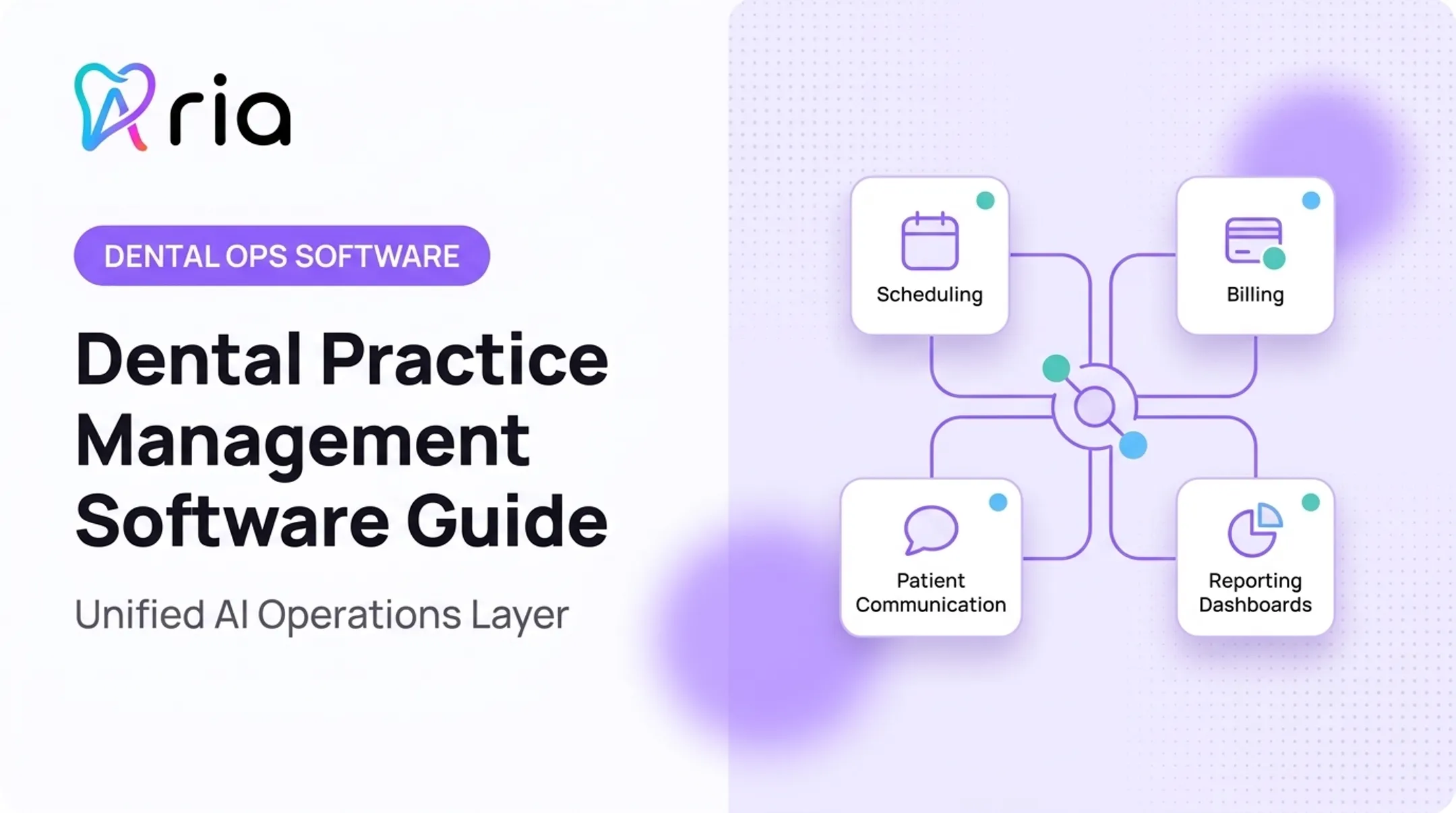
This is where tools that unify scheduling, production, collections, payroll, and finance data live. Instead of pulling reports from five systems, an operational intelligence layer answers questions directly.
Aria is one example of this kind of AI operating layer. It connects to practice-management systems, revenue-cycle data, payroll, communications, and finance tools already in use, then lets teams ask natural-language questions like "How does hygiene production compare across our three locations this month?"
What this category typically handles:
- Comparing providers, practices, or locations side by side
- Building recurring reports without manual spreadsheet work
- Surfacing alerts on schedule gaps or unscheduled treatment
- Coordinating outreach and follow-up tasks from one place
In Aria's reported customer data, practices see an average 32% reduction in administrative overhead and more than 20 hours saved per week in manual admin time. Those figures are not universal guarantees—results vary by practice size and how the platform is used.
Patient Oral-Health and Habit-Support Apps
These are the tools dentists recommend, not the ones they run internally. Brush DJ offers a two-minute brushing timer along with flossing and appointment reminders. Philips Sonicare for Kids and Oral-B's Disney Magic Timer add reward systems to keep children engaged during brushing.
These apps work best when the recommendation fits the patient:
- A young child needs a reward-based timer, not a data-heavy adult app
- A patient with limited dexterity might need a smart-toothbrush companion over a manual timer
- A high-caries-risk patient may need more frequent reminder prompts than a low-risk patient
Pair the app with your team's specific instructions. A generic recommendation without context rarely sticks.
Scheduling, Intake, and Treatment Coordination Apps
Digital booking, online forms, insurance collection, and treatment reminders cut down on repetitive phone calls. The ADA notes that new patients can complete required forms electronically, even at fully paperless offices.
Example: A patient books an appointment online at 9 p.m., fills out insurance details through a secure form the next morning, receives a treatment estimate before arriving, and gets post-visit care instructions by text. No hold music, no repeated data entry, no missed callback.
That's the goal: keep the front desk for judgment calls, and hand repetitive intake work to software.
How to Evaluate a Dental App Before Buying or Recommending It
Start With the Practice Problem and Intended Users
Before demoing anything, name the specific problem: missed appointments, unaccepted treatment, manual reporting, or limited visibility across locations. Then identify who will actually use the tool and how often.
If the app doesn't map to a real, recurring problem, it's not worth the subscription.
Check Integrations and Interoperability
An app that doesn't talk to your practice-management system creates duplicate work instead of eliminating it. The ADA reported a successful full-record dental FHIR data exchange test at an HL7 Connectathon, which shows the technical standards exist. It does not mean every app connects seamlessly with every PMS out of the box.
Ask vendors directly:
- Which integrations are live today, not still "in development"
- How data syncs, and how often
- What happens when a connection drops
- Whether an API is available for custom workflows
Test the integration with your actual workflow before signing anything long-term.
Review Privacy, Security, and Compliance Requirements
Any app touching patient information needs to meet HIPAA expectations for access controls, audit logs, and encrypted transmission. If a vendor creates, stores, or transmits electronic protected health information on your behalf, you'll generally need a signed business associate agreement.
Don't assume "HIPAA-compliant" on a sales page means the review is done. Ask for:
- A copy of the BAA
- Documentation of access controls and audit logging
- Details on data storage and encryption practices
Loop in legal or IT support if you're unsure. An app store listing isn't a compliance certification.
Assess Usability, Automation, and Reporting
If your team needs a week of training to send a text reminder, the app is too complicated. In a hands-on demo, confirm staff can finish common tasks in a few clicks:
- Send a recall or appointment reminder
- Run a production or collections report
- Set an alert or assign a follow-up task
- Complete the flow without the vendor driving
Also check whether the tool acts on the data it shows. A dashboard that only displays numbers, without reports, alerts, or task assignments, is just another screen to monitor.
Compare Scalability, Cost, and Vendor Support
Pricing structures vary widely. Some vendors charge per location, others per provider, and some bundle implementation fees separately from monthly costs.
| Practice Type | Key Question to Ask |
|---|---|
| Solo practice | What's included in the base subscription and data migration? |
| Multi-location group | Do costs or support change per location? |
| DSO | How are onboarding, permissions, and reporting handled at scale? |
Get a written, practice-specific quote. A generic price list rarely reflects what you'll actually pay.
Support terms deserve the same scrutiny as price. Confirm before you sign:
- Onboarding timeline and who handles data migration
- Training format (live, recorded, or train-the-trainer)
- Support hours and typical response times
- Whether you get a named contact or a shared ticket queue

Implementing Dental Apps Across a Practice
Begin With One High-Value Workflow
Don't try to fix everything at once. Pilot the app on a single workflow, such as recall outreach or daily production reporting.
Establish a baseline first:
- Current no-show rate
- Current staff hours spent on the task
- Current response rate to outreach
Without a baseline, you can't tell if anything actually improved.
Prepare Staff and Define Ownership
Assign role-based access so each team member sees what's relevant to their job. Run short, focused training sessions rather than one long onboarding session nobody remembers a week later.
Common adoption barriers to watch for:
- Duplicate workflows where staff use both the old and new process
- Unclear ownership when something breaks
- Alert fatigue from too many notifications
- Inconsistent data entry that undermines reporting accuracy
Name one person responsible for monitoring adoption in the first 60 days. Without an owner, momentum fades fast.
Connect Insights to Action
A dashboard is only useful if it triggers a next step. An app that flags a schedule gap should also let someone assign a follow-up task or send an approved patient message, not just display the gap and stop there.
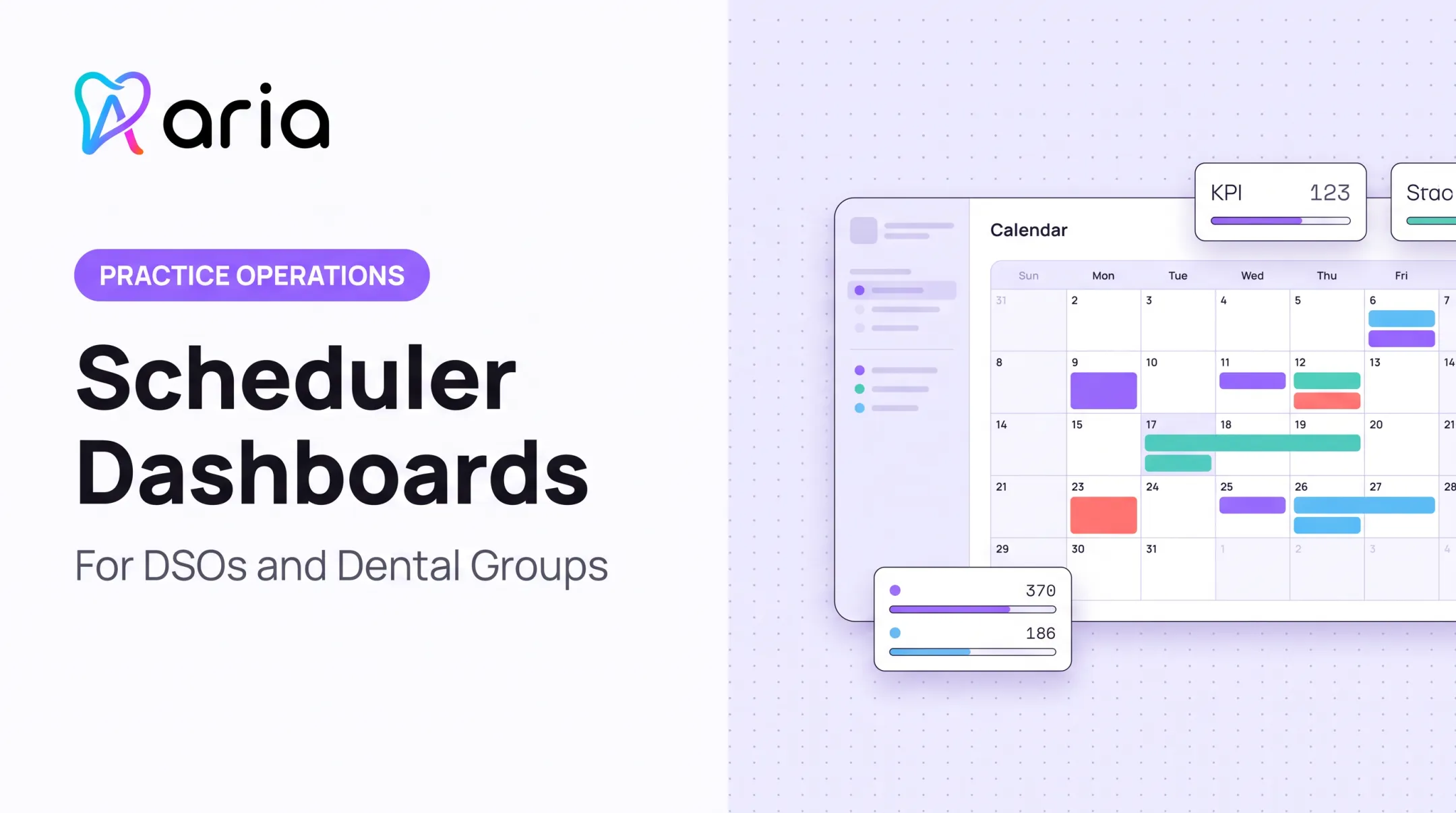
This is where a platform like Aria fits for practices managing multiple providers or locations. Its Morning Huddle feature refreshes every morning at 7:00 with scheduled production, unscheduled treatment, accounts receivable, hygiene gaps, and alerts. Teams get one place to check before the day starts.
These examples reflect illustrative demo data, not guaranteed results for every practice.
The same logic applies to any tool: information without action is just noise.
Monitor Results and Refine the Workflow
Review adoption rates, data quality, and staff feedback a few weeks after launch. App implementation isn't a one-time purchase decision; it's an ongoing process.

For a sense of what this looks like at scale, Becker's Dental Review reported that Smile Partners USA, a 120-location dental group, selected Planet DDS's Denticon platform to simplify onboarding and centralize operations across its network. That's a reported rollout decision, not a measured outcome. If you're evaluating a similar move, track your own before-and-after numbers rather than assuming someone else's results will transfer.
Set Appropriate Clinical and Patient Expectations
Apps support operations and education. They don't replace exams, diagnosis, or emergency assessment. Make sure patients know when a text reminder is enough and when they need to call the office directly.
Be equally clear about data: what's collected, how it's used, and how it's protected. Patients trust practices that are upfront about this, and vague privacy language erodes that trust fast.
Frequently Asked Questions
What is a dental app?
A dental app can support oral health habits, patient communication, clinical workflows, scheduling, or full practice operations. Match the app to the specific workflow gap you need to close.
What are the best mobile apps for dentistry?
Match the app type to the job: chairside clinical tools, practice-management platforms, or patient-facing home-care apps. Prioritize workflow fit, integrations, HIPAA-aligned security, and whether your staff will actually adopt it.
Is there a free dental app available?
Free patient-facing apps like brushing timers exist, and some professional tools offer limited trials. Subscription or practice-based pricing is standard for clinical and operational tools, so review privacy terms and hidden limits first.
What is the most popular dental software?
No single product leads every segment—demand shifts with practice size, specialty, and the systems you already run. Score options on interoperability, security, total cost, and fit with your current stack—not name recognition alone.
What is the best app for cleaning teeth?
Brushing timers, habit reminders, and smart-toothbrush companion apps support home care between visits. None of them replace professional cleanings or personalized instructions from your dentist or hygienist.