
Text messaging fixes a lot of this. Patients already use SMS for nearly everything else, and dental practices can use it for scheduling, reminders, recall, treatment follow-up, reviews, and reactivation. In fact, a November 2024 survey found that 47.6% of dental patients prefer text messages for payment reminders specifically, a signal that patients are open to texting their dental office for practical, administrative needs, according to Vyne Dental's patient survey.
The templates below use placeholders like [Name], [Practice Name], [Date], [Time], [Link], and [Phone Number] so you can drop them straight into your system. We'll cover scheduling, confirmations, missed appointments, treatment follow-up, reviews, reactivation, and promotional outreach.
Key Takeaways
- Every message should give patients one clear, easy action to take
- Secure proper consent, skip unnecessary health details, and always offer an opt-out
- Build two-way conversations, not one-way broadcasts, with staff ready to step in
- Match message type (appointment vs. marketing) to the correct compliance pathway
- Test every template before sending it to your full patient list
Dental Appointment and Scheduling Text Message Templates
A good scheduling text names the practice, states the date and time, and gives one next step. Don't make patients guess what to do. Pick a single call to action per message, such as "Reply C to confirm" or "Use this link to book," and stick with it.
Appointment Scheduling and Recall Templates
- Routine cleaning due: "Hi [Name], it's time for your cleaning at [Practice Name]. Reply BOOK or schedule here: [Link]."
- Overdue recall: "Hi [Name], our records show you're overdue for a checkup at [Practice Name]. Reply C to book or call [Phone Number]."
- Follow-up visit: "Hi [Name], [Practice Name] would like to schedule your follow-up. Reply with a few times that work, or book here: [Link]."
- Unscheduled recommended care: "Hi [Name], you have recommended treatment on file that hasn't been scheduled. Reply Y to find a time, or call [Phone Number] with questions."
Keep the tone factual. Don't exaggerate clinical urgency to drive bookings, and make sure the wording reflects the patient's actual care plan rather than a generic template.
Appointment Confirmation and Reminder Templates
- Initial confirmation: "You're confirmed for [Date] at [Time] with [Practice Name]. Reply C to confirm or R to reschedule."
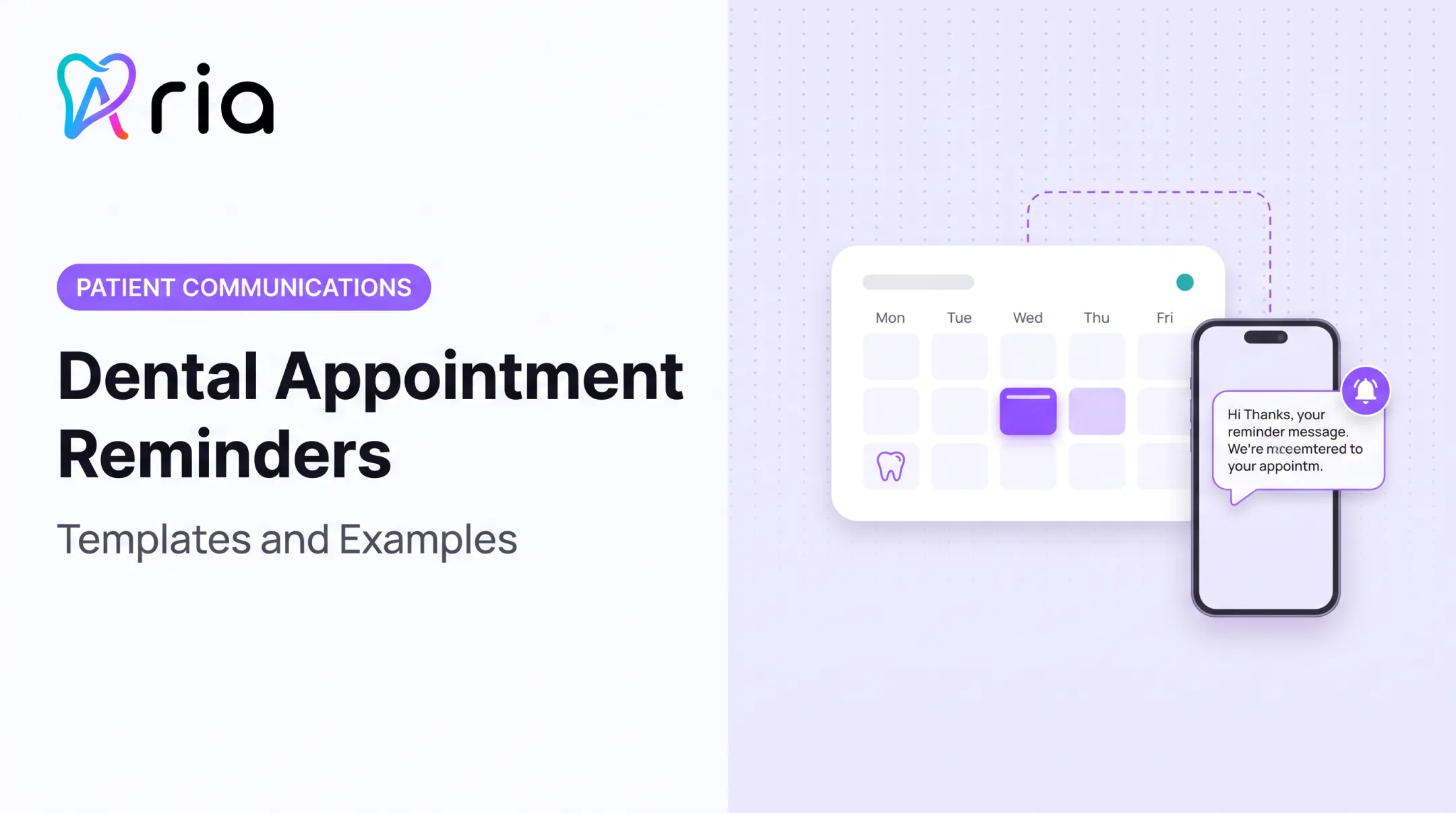
- Several-days-out reminder: "Hi [Name], reminder: your appointment at [Practice Name] is [Date] at [Time]. Reply C to confirm or call [Phone Number]."
- Same-day reminder: "Hi [Name], see you today at [Time] at [Practice Name]. Reply if anything's changed."
- Insurance or intake check: "Hi [Name], please confirm your insurance info is still current by replying YES, or update it securely here: [Link]."
For prep instructions, don't cram clinical detail into the SMS itself. Link to a secure page instead, and keep the text short enough to scan in five seconds.
Rescheduling, Cancellation, and Waitlist Templates
- Practice-initiated reschedule: "Hi [Name], we need to adjust your [Date] appointment. Reply with a day or time that works, or call [Phone Number]."
- Cancellation acknowledgment: "Your appointment on [Date] has been cancelled. Reply BOOK anytime to find a new time."
- Waitlist opening: "Hi [Name], an earlier opening came up for [Date] at [Time]. Reply YES by [Time] to claim it."
Offer two or more options where you can, and let patients decline without friction. A waitlist text should always include an expiration time so staff know when to move to the next name.
Last-Minute Openings and Treatment Follow-Up
- Same-day opening: "Hi [Name], we have an opening today at [Time] at [Practice Name]. Reply YES if you'd like to come in."
- Unaccepted treatment plan: "Hi [Name], your treatment plan is still on file. Reply with questions or book a time to discuss: [Link]."
- Post-treatment check-in: "Hi [Name], thanks for visiting [Practice Name] today. Reply if you have any questions about your recovery."
Specialty practices can adapt this language. A periodontal practice might reference a maintenance visit; an orthodontic office might reference a wire adjustment. Keep administrative scheduling texts separate from anything that sounds like clinical advice, and route clinical questions to the care team.
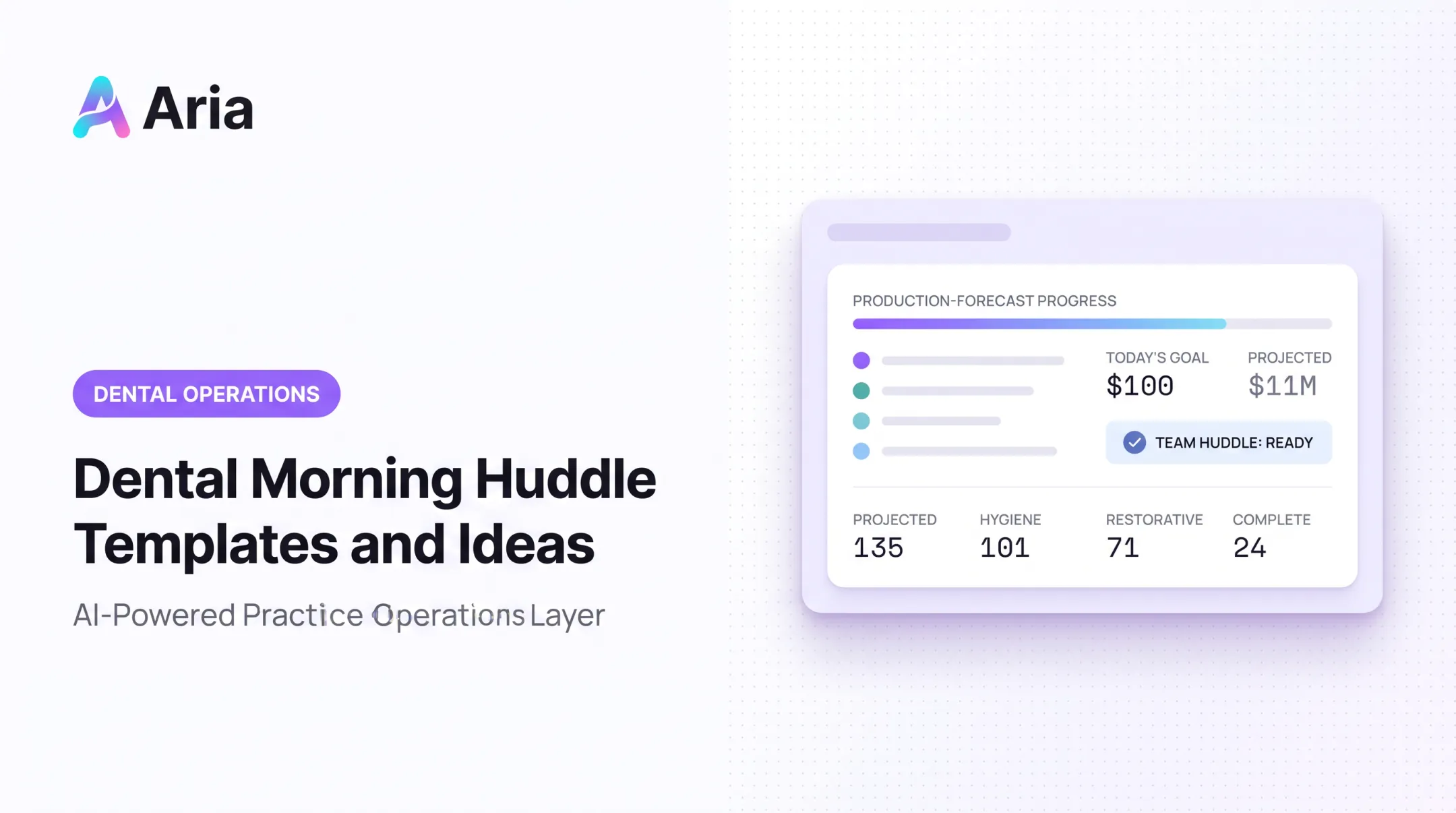
This is where connected data earns its keep. Aria's Morning Huddle Report, for example, can surface a same-day emergency opening at 11:30 AM and an afternoon treatment block, then recommend starting a text campaign for overdue patients instead of waiting for someone to notice the gap manually.

Patient Engagement, Retention, and Marketing Text Message Templates
These templates keep relationships alive between visits. Before sending anything, segment your list by patient status, consent on file, service interest, and past communication history. A blast to everyone isn't a strategy.
New-Patient Lead and Missed-Call Follow-Up Templates
- Website inquiry: "Hi [Name], thanks for reaching out to [Practice Name]. Reply with a good time to call, or book directly: [Link]."
- Request confirmation: "We received your request, [Name]. Our team will follow up shortly, or reply with your preferred times."
- Missed call: "Hi [Name], sorry we missed your call. Reply here or call us back at [Phone Number]."
Don't ask patients to text insurance numbers, medical history, or symptom details. Keep that conversation off ordinary SMS.
Patient Reactivation and Preventive-Care Templates
- Educational version: "Hi [Name], regular cleanings catch small problems before they grow. It's been a while since your last visit to [Practice Name]. Reply BOOK to schedule."
- Direct scheduling version: "Hi [Name], you're due for a cleaning. Reply C or book here: [Link]."
- Unfinished treatment: "Hi [Name], your treatment at [Practice Name] isn't complete yet. Reply to find a time, or call [Phone Number]."
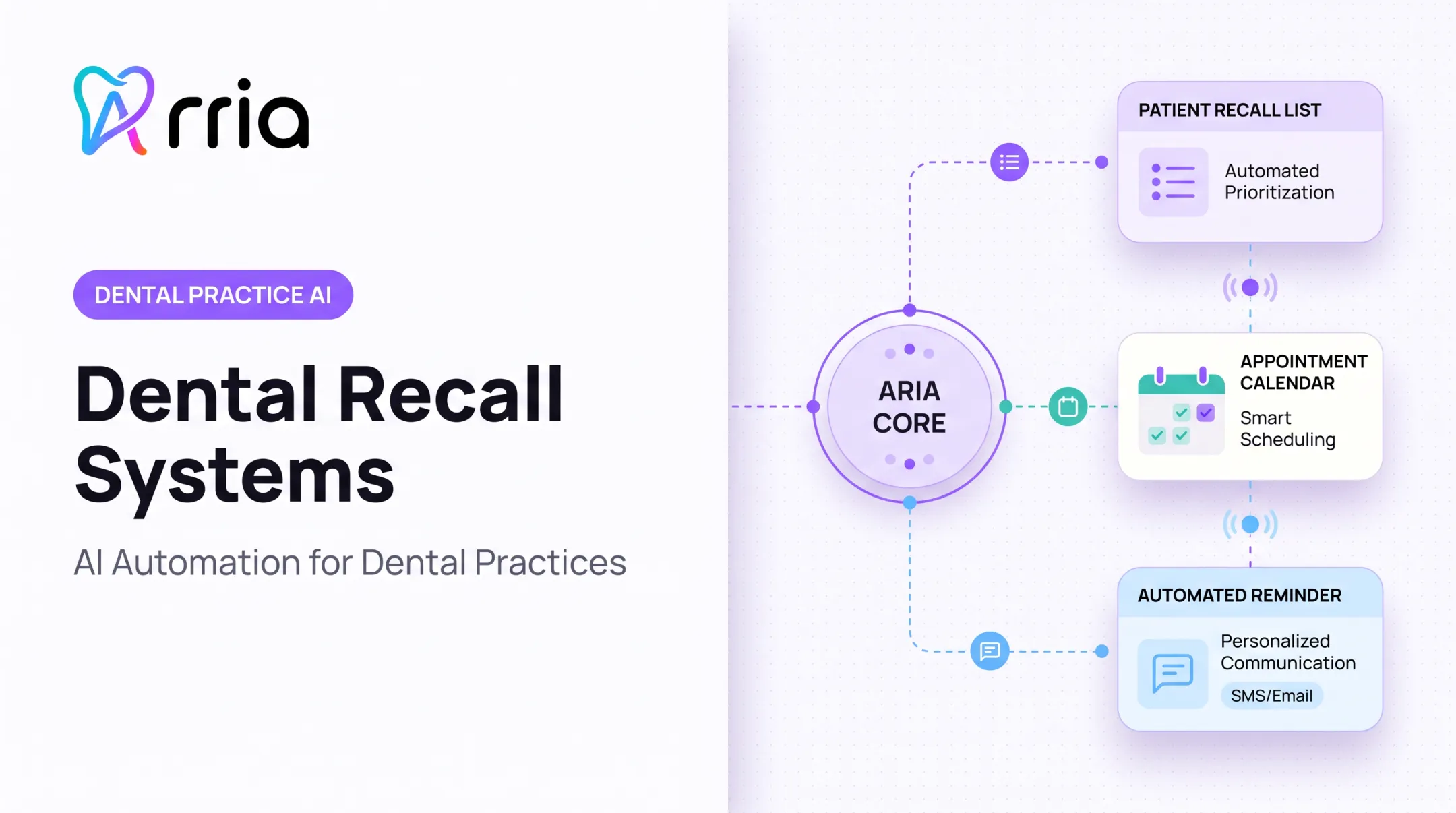
When a patient replies with a barrier like cost, anxiety, transportation, or insurance confusion, route them to a staff member instead of sending another automated nudge. Aria's recall and reactivation workflows are built around this pattern: flag overdue hygiene patients and unscheduled treatment, then hand off to staff for anything beyond a simple booking reply.
Review, Feedback, Appreciation, and Post-Visit Templates
- Feedback request: "Hi [Name], thanks for visiting [Practice Name]. How did it go? Reply with any feedback."
- Review invitation: "Glad you had a great visit, [Name]. A review helps other patients find us: [Link]."
- Appreciation: "Thank you for trusting [Practice Name] with your care, [Name]."
If feedback sounds negative, don't push for a public review. Reply privately: "I'm sorry to hear that. A team member will call you shortly at [Phone Number]." Keep the conversation off public channels until staff can address it directly.
Promotions, Educational Messages, and Insurance Reminders
- Seasonal scheduling: "Hi [Name], now is a smart time to book your next cleaning at [Practice Name]. Reply BOOK or use [Link]."
- Whitening or elective care: "Hi [Name], want a brighter smile? Ask us about whitening at [Practice Name]: [Link]."
- Year-end benefits: "Hi [Name], your dental benefits reset soon. Use remaining coverage before [Date]: [Link]."
- Oral-health tip: "Hi [Name], quick tip from [Practice Name]: replace your toothbrush every 3 months."
Promotional texts carry different consent requirements than appointment texts, so research current carrier and consent rules before publishing anything about discounts or expiring benefits. Balance promotional content with genuinely useful information, and always give recipients a simple way to manage future messages, such as a STOP reply.
How to Write Effective and Compliant Dental Text Messages
A strong dental text is brief, recognizable, specific, and built around one action. Use this formula:
- Identify the practice
- State the reason for contact
- Give the relevant detail
- State the next step
- Offer a reply or opt-out option when needed
Tone, Personalization, and Accessibility
Write like a real person on your team would talk, not like a form letter. Skip jargon, shame, and fear-based language. Personalize with the patient's name and appointment context, but never expose more health information than necessary.
Double-check every link and date before sending, and offer a phone number for patients who'd rather not text.
Privacy, Consent, and U.S. Compliance Guardrails
This is where most practices get nervous, and for good reason. A few things to keep straight:
- HIPAA: Appointment reminders generally don't need separate authorization, but health details by text create privacy risk per HHS reminder guidance. If your vendor handles PHI, you need a business associate agreement.
- TCPA and consent: Federal rules treat informational healthcare messages differently from advertising. The healthcare exemption still requires length and frequency limits plus immediate opt-out handling under the FCC rule. The 8 a.m. to 9 p.m. window applies to solicitations, not every appointment reminder.
- 10DLC registration: If you're sending SMS from a 10-digit long code, your business needs to register a brand and campaign through a messaging provider. Registration is a carrier requirement, separate from patient consent.
None of this replaces a legal or compliance review specific to your practice. And no template should handle a genuine clinical emergency; escalate those calls immediately.
Message Design and Two-Way Response Handling
Define what happens after every reply keyword:
- YES / C: confirms an appointment
- NO / R: triggers a reschedule workflow
- STOP: removes the patient from messaging immediately
- HELP: routes to a staff member or support line
Watch character limits, test links before sending, and build in a confirmation deadline so staff know when to follow up by phone. Before rolling out a new template to your full list, test it with staff and a small approved group first. That's how you catch broken links, wrong merge fields, and confusing instructions before patients see them.
Implementing Dental Texting Templates in Daily Practice
Templates only work if they're tied to real triggers in your daily workflow:
- New patient inquiry → lead follow-up template
- Appointment created → initial confirmation
- Appointment approaching → reminder sequence
- Cancellation or no-show → rebooking outreach
- Open slot → last-minute fill template
- Completed visit → feedback and review request
- Overdue recall → reactivation sequence
Someone on your team needs to own monitoring replies, updating appointment records, logging opt-outs, and escalating clinical or billing questions. Without clear ownership, replies pile up unanswered.

This is the kind of coordination problem Aria is built to help with. Rather than replacing your practice-management system, Aria sits alongside it as a connected layer. It pulls patient and scheduling data from your existing tools to flag outreach opportunities, such as an overdue hygiene patient or an unscheduled treatment plan, and keeps follow-up on track without someone manually scanning reports each morning.
Keep a shared template library with approved wording, required placeholders, audience rules, and a last-reviewed date. Update it whenever regulations or your own workflows change.
Measuring and Improving Dental SMS Performance
You can't improve what you don't track. Define these metrics consistently across your team:
- Delivery and reply rates
- Confirmation and booking rates
- Rescheduling and no-show rates
- Recall and reactivation rates
- Opt-out rate
- Staff follow-up rate
Compare results by message type, patient segment, send timing, call to action, provider, location, and specialty.
Published research on dental SMS performance is limited and often tied to a single clinic or population, so avoid treating any outside number as a universal benchmark for your own practice. Build your baseline from your own data instead.
Review failed conversations and patient feedback regularly. Look for messages that confuse patients, workflows with gaps, and interactions that would work better with a human reply than an automated one. Aria's reporting tools can pull these comparisons across periods, providers, and locations on demand, so teams spend less time assembling spreadsheets and more time fixing what's actually broken.

Frequently Asked Questions
What does SMS mean in healthcare?
SMS stands for Short Message Service, the basic text messaging technology built into mobile networks. In healthcare, practices use it for appointment reminders, scheduling, and administrative follow-up, with privacy and consent requirements applying based on message content.
What is a good message to express appreciation to a dentist?
Something simple works best: "Thank you, Dr. [Name], for taking such good care of my teeth and always explaining things clearly. I really appreciate you and your team." Keep it warm and specific without making clinical claims.
Are dental text messages HIPAA compliant?
Compliance depends on message content, consent, safeguards, and the vendor handling your texts, not the channel itself. Appointment reminders generally don't need separate authorization, but practices should confirm their specific setup with compliance guidance.
What should a dental appointment reminder text include?
Include the practice name, patient name, appointment date and time, any relevant prep detail, and a simple way to confirm or reschedule. Add a phone number as a backup contact option.
How do I write a dental text message that gets patients to respond?
Give one clear action, use plain language, and include a simple reply keyword or link. Personalize it with the patient's name and context, and make sure staff are ready to respond when patients reply.