
Introduction
A modern dental practice runs on more than handpieces and chairs. Scheduling, patient records, revenue cycle, payroll, communications, and security systems all need to work together, every day, without anyone noticing the machinery behind them.
When they don't, the cracks show up fast. Front-office staff re-enter the same patient data twice. Managers export reports from three systems just to answer one question. A slow IT response turns a five-minute glitch into a half-day of lost production.
This article breaks down three related concepts: digital practice solutions, dental IT support, and what we call an AI operating layer. Understanding how they fit together helps your team spend less time managing software and more time managing patients and performance.
Key Takeaways
- Strong digital practice stacks cover clinical tech, practice management, finance, communications, and workflow automation together.
- Reliable dental IT support protects security, backups, uptime, access control, and fast issue resolution.
- Connected systems give clearer operational visibility than scattered spreadsheets and manual exports.
- AI helps teams interpret data and prioritize action—while IT governance still sets the guardrails.
What Digital Practice Solutions Include
Digital practice solutions aren't one piece of software. They're the connected tools and processes a dental business uses to run, secure, and improve itself.
The main solution groups typically include:
- Practice management and scheduling
- Electronic patient and clinical records
- Digital imaging and clinical workflows
- Billing and revenue cycle management
- Payroll and finance systems
- Patient communications and outreach
- Reporting and analytics
- Cybersecurity and access controls
Clinical Tech vs. Business Tech
Clinical tech and business tech do different jobs. Digital imaging and intraoral scanning sit on the clinical side. Claims processing, collections, staffing, and patient outreach sit on the operational side. Both need to talk to each other, or someone ends up manually bridging the gap.
Interoperability closes that gap. When systems exchange accurate information automatically, teams stop re-entering the same data and handoffs between front office and clinical staff get cleaner. Decisions then rest on complete data instead of partial snapshots.
Questions to Ask Before Adding Any New Tool
- Does it integrate with your current practice management system?
- Who owns the data, and what happens if you switch vendors?
- Can you control permissions by role?
- What reporting does it produce, and can you customize it?
- What's the vendor's actual support response time?
A solo practice, a five-location group, and a DSO onboarding a newly acquired office all need different combinations of these tools. There's no universal stack—only the right one for your structure.
Why Connected Digital Systems Matter
Disconnected systems create real friction. Staff export reports from one platform to reconcile against another. Financial data gets entered twice. Institutional knowledge lives in one person's head instead of a shared system.
Connected systems fix this by giving practices:
- Faster identification of operational problems
- More consistent workflows across roles and locations
- Clearer accountability when something goes wrong
- Better coordination between front-office, clinical, billing, and operations teams
Operational views dental leaders watch most:
- Production and collections
- Labor efficiency
- Hygiene performance
- Schedule gaps
- Unaccepted treatment
- Patient retention
- Comparisons across providers or locations
Building those views by hand is still expensive industry-wide. The 2024 CAQH Index found dental-industry spending on eligibility and benefit verification rose 15% to $2.1 billion, with an estimated $580 million in potential savings from moving fully electronic. That's an industry-level estimate, not a promise for any single practice—but it shows how much manual administrative work still exists in dental operations.

Integration doesn't mean ripping out every system you already use. A connected intelligence layer can make your existing practice management software, revenue cycle tools, and communication platforms work harder together, without a costly rip-and-replace project.
How Dental IT Support Keeps Digital Practices Secure and Operational
Dental IT support is the people, policies, infrastructure, and services that keep your technology available, secure, updated, and usable. That's a broader job than "fixing computers."
Core support areas include:
- Device, network, and patch management
- Software and hardware troubleshooting
- User access and permission controls
- Backups and business continuity
- Vendor coordination
- Day-to-day staff support
Security Priorities Specific to Dental Practices
Protecting electronic protected health information (ePHI) sits at the center of dental IT. HHS's Security Rule summary flags several non-negotiable obligations:
- Conduct an accurate risk analysis of threats to ePHI
- Restrict access to authorized users only
- Verify identity before granting access
- Maintain procedures for backing up and restoring lost data
Encryption is "addressable" under the current rule: implement it when reasonable, or document an equivalent alternative. Do not assume your software vendor has covered this for you.
Beyond the HIPAA baseline, CISA's healthcare sector mitigation guide also recommends:
- Phishing-resistant multifactor authentication
- Endpoint detection and response
- Centralized access logging
- Consistent patch management
None of these guarantee compliance on their own. They are sector guidance, not a certification.
What Backup and Downtime Planning Should Cover
- Regular, tested backup restoration (not just backup creation)
- Documented outage procedures staff actually know
- Offline or redundant access to essential patient information
- Clear communication responsibilities during an incident
A strong IT support arrangement goes beyond a help desk number. It typically includes:
- Proactive monitoring
- Defined service-level expectations
- Clear escalation procedures
- Familiarity with dental-specific software
- Regular security reviews
How Aria Fits Into a Modern Dental Technology Stack
Dental IT support keeps your systems secure and running. But even a perfectly maintained tech stack doesn't automatically tell you what's happening across your business. That's a separate problem, and it's the one Aria addresses.
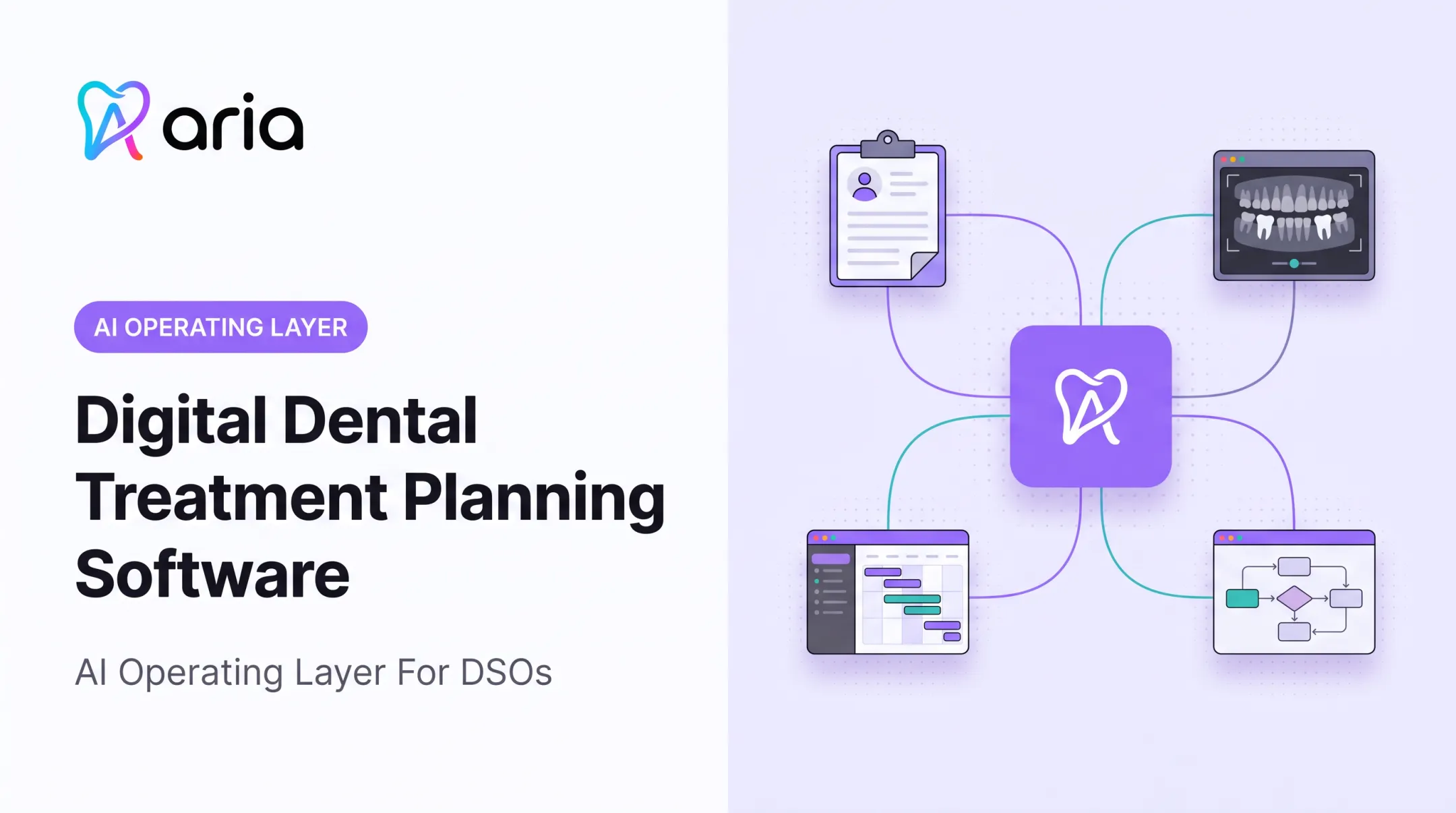
Aria is an AI operating layer that connects information from practice management, revenue cycle, payroll, patient communications, procurement, and finance systems into one place. It doesn't replace any of them. Your practice management system stays the system of record.
Aria's four connected capabilities:
- Ask & Analyze: Ask operational questions in plain language and compare periods, providers, or locations without building a spreadsheet.
- Automate & Execute: Turn recurring reports, alerts, and outreach into automated workflows.
- Engage Patients: Run outreach through SMS, voice, web chat, and social channels.
- Predict & Prioritize: Surface no-show risk, churn risk, schedule gaps, and revenue opportunities.
A Morning Huddle-style report, for example, can flag scheduled production against goal, open hygiene hours, and patients with unaccepted treatment. Those details pull automatically instead of being assembled by hand each morning.
Aria reports an average 32% reduction in administrative overhead and more than 20 hours of manual administrative time saved per week after implementation, based on its own customer data—figures worth checking against your own baseline.

The same layer fits different practice sizes:
- Solo practices chasing unscheduled treatment without adding front-office staff
- Multi-location groups standardizing workflows across sites
- DSOs onboarding a newly acquired practice into a common operating view
Aria complements dental IT support. Your IT team or provider keeps systems secure and available; Aria helps your team interpret the connected data and act on it.
How to Choose and Implement the Right Solution
Start before you buy anything.
- Audit your current state. Document existing systems, recurring manual tasks, reporting gaps, security risks, and workflows that vary by provider or location.
- Set specific goals with baselines. Define what success looks like (less duplicate entry, faster response time, better collections visibility) and how you'll measure it.
- Evaluate integration and data governance. Ask about supported connections, synchronization, permissions, audit trails, export options, and what happens if you switch vendors later.
- Assess implementation requirements. Plan for migration, staff training, workflow redesign, testing, and a named owner responsible for adoption.
- Build in a security and continuity review. Confirm encryption, authentication, backup testing, incident response, and support availability before signing anything.
- Start small. Pilot one high-value workflow or one location, compare results to your baseline, gather staff feedback, then expand.
An AI operating layer like Aria can give your team a shared view across connected systems during this rollout. Keep human judgment at the center of financial, staffing, and patient communication decisions.

Frequently Asked Questions
What are digital practice solutions in dentistry?
They're the connected clinical, administrative, financial, communication, and security tools used to run a modern dental practice. This includes practice management software, imaging systems, billing tools, and reporting platforms working together.
Why does a dental practice need specialized IT support?
Dental practices handle PHI under HIPAA and rely on dental-specific software that generalist IT providers may not know well. Specialized support means faster troubleshooting, proper backup planning, and access controls built around dental workflows.
What should dental practices look for in an IT support provider?
Look for proactive monitoring, documented response times, dental software experience, vendor coordination, regular security reviews, and tested backup procedures, not only reactive break-fix service.
How can dental technology systems work together?
Through integrations, shared data standards, and approved connectors between platforms. Always verify compatibility with your existing practice management system before adding new software.
Can small dental practices benefit from an AI operating layer?
Yes. Smaller practices can use connected insights, automated reporting, and patient outreach to handle administrative work without hiring more staff or replacing their existing practice management and IT systems.
How should a dental practice implement new digital solutions securely?
Start with an audit, set clear goals, vet vendor security practices, pilot with one workflow, train staff on access controls, and confirm backups are tested as well as scheduled.