
The right platform, however, changes the game. It provides clear, timely information that helps you make smarter operational decisions and improve cash flow. But with so many options, how do you choose? A recent Intuit survey found that 95% of business owners agree that app integration is essential for growth, and this is especially true in dentistry, where your accounting system must work with your practice management software.
This guide cuts through the noise. We’ll compare leading accounting software for US dental practices, clarify the crucial difference between accounting and practice-management systems, and give you the criteria to make a confident choice.
Key Takeaways
- The best accounting software for your dental practice depends on its size, reporting complexity, and budget.
- Critically evaluate how any new software integrates with your existing practice management, payroll, and payment systems.
- Remember that accounting software and dental practice management software (PMS) are not interchangeable; they are complementary systems that should work together.
- Focus on total cost of ownership, including implementation, add-ons, and support, not just the monthly subscription price.
Overview of Dental Practice Accounting Software
Dental practice accounting software is a financial system for recording, reconciling, and analyzing all your practice's transactions. It handles everything from paying bills to generating profit and loss statements.
This differs from your dental practice management software (PMS) like Dentrix, Open Dental, or Curve Dental. Your PMS is the clinical and operational hub for patient scheduling, charting, treatment planning, and insurance claims.
Your accounting software is the financial system of record. The two must communicate, but they serve distinct purposes.
Dental practices have unique financial workflows that standard business accounting doesn't always cover:
- Mixed revenue from patient copays, deductibles, and insurance carriers
- Contractual adjustments and write-offs based on insurance fee schedules
- Variable costs for dental supplies, lab fees, and specialized equipment
- Provider pay based on production or collections, with detailed reporting needs
- Depreciation for capital equipment such as chairs, X-ray machines, and scanners
Modern cloud-based accounting platforms streamline these tasks with automated bank feeds, digital invoicing, and real-time financial dashboards. That reduces manual data entry.
For multi-location practices and Dental Service Organizations (DSOs), these systems provide consolidated financial views and provider-level reporting without hours spent merging spreadsheets.

Best Dental Practice Accounting Software
These mainstream accounting platforms can serve a dental practice well when connected to a PMS. We ranked them on features, integration potential, and fit for solo offices, multi-location groups, and DSOs.
QuickBooks Online
QuickBooks Online is one of the most widely used accounting platforms for small businesses in the US. A familiar interface and broad app marketplace make it a solid option for solo dentists and small- to mid-sized practices that want reliable cloud accounting.
It covers core work well: invoicing, expense tracking, bank reconciliation, and financial reporting. It is not built for dentistry, but you can tailor the chart of accounts to dental income and expense categories.
Connections matter as much as features. Open Dental documents a one-way connection that sends deposit information to QuickBooks Online, which simplifies reconciliation.
Comparison Snapshot:
- Best Fit: Solo practitioners and small- to medium-sized single-location practices.
- Key Features: Automated bank feeds, customizable invoicing, strong financial reporting, large third-party app marketplace; payroll as a paid add-on.
- Dental Integration Notes: Confirm PMS, payment (such as Stripe), and payroll links. Open Dental can send deposits; you still need a process for patient A/R and insurance write-offs.
- Multi-Location Capability: Advanced plan improves reporting; true multi-entity consolidation is still limited for most DSOs.
- Pricing: Plans start at $38/month for Simple Start, with more feature-rich plans like Plus costing $140/month.
Xero
Xero is a popular cloud alternative to QuickBooks Online. Unlimited users on every plan, clear navigation, and strong bank reconciliation appeal to practices that work closely with an outside bookkeeper or accountant.
It handles bill payments, expense claims, and project tracking, with marketplace links to Stripe, Square, and payroll tools like Gusto.
Like other general ledgers, it has no built-in workflow for dental insurance claims or contractual adjustments. You still need a clear process to post those transactions from your PMS.
Comparison Snapshot:
- Best Fit: Small- to mid-sized practices that want unlimited users and strong bank reconciliation and reporting tools.
- Key Features: Strong bank feeds and reconciliation, unlimited users, detailed financial reporting, broad app marketplace.
- Dental Integration Notes: Check the Xero App Store for payment and payroll apps. Plan a manual or custom workflow for insurance write-offs and patient receivables.
- Multi-Location Capability: Tracking categories can split locations or providers; not built for complex multi-entity consolidation.
- Pricing: Paid plans start at $25/month for Early, with the most popular Growing plan at $55/month.
Sage Intacct
Sage Intacct sits in a different class, built for larger, more complex organizations. It fits growing multi-location dental groups and DSOs that have outgrown QuickBooks or Xero—not a typical solo practice, given the complexity and cost.
Strengths center on multi-entity accounting and reporting: automated consolidations, side-by-side location financials, and dashboards by practice, provider, or payer. Sage markets the product to DSOs and highlights dimensional reporting by office and provider.
An open API can connect tools like Dentrix and Open Dental, though those builds are usually custom projects.
Comparison Snapshot:
- Best Fit: Multi-location dental groups and Dental Service Organizations (DSOs).
- Key Features: Multi-entity and multi-location reporting, automated consolidations, dimensional reporting (provider, location), audit trails, role-based permissions.
- Dental Integration Notes: Open API supports PMS links, but expect a custom implementation—not plug-and-play.
- Multi-Location Capability: Core strength—designed for organizations with multiple entities from the start.
- Pricing: Available by custom quote only. Expect a significant investment in both software and implementation.
FreshBooks
FreshBooks began as an invoicing tool and grew into a full accounting platform for small service businesses. Simplicity is the draw: fast invoicing and expense tracking for very small practices or specialists who want straightforward client billing.
Its workflow is not built for dental insurance. You get Accounts Aging for open invoices, but not tools for insurance remittances or contractual write-offs.
Most practices keep patient billing and claims in the PMS and use FreshBooks only for overhead and general bookkeeping.
Comparison Snapshot:
- Best Fit: Very small practices, owner-dentists, or specialists who need simple invoicing and expense tracking.
- Key Features: Simple invoicing, expense management, and time tracking; integrations with Gusto (payroll) and Stripe (payments).
- Dental Integration Notes: Limited insurance support. Keep a separate PMS process for patient and insurance A/R.
- Multi-Location Capability: Multiple businesses under one login, but each runs separately without consolidated financials.
- Pricing: Paid plans start at $23/month, with client limits on lower tiers.
Zoho Books
Zoho Books sits inside the broader Zoho app suite, so it appeals to practices already on other Zoho products. You get invoicing, expense tracking, bank reconciliation, and workflow automation at a competitive price.
Custom roles and permissions help control access in a busy office. Automation rules can categorize transactions, and custom reporting is available.
As with other general platforms, you still need a defined process for dental-specific postings. Major payment gateways are supported, and an API is available for custom connections.
Comparison Snapshot:
- Best Fit: Cost-conscious practices or those already invested in the Zoho software suite.
- Key Features: Full accounting suite, workflow automation, advanced user permissions, flexible reporting.
- Dental Integration Notes: No native dental features. Use the API or manual workflows for patient and insurance A/R.
- Multi-Location Capability: Premium plans add custom roles and approvals you can adapt across sites; less depth than Sage Intacct for complex DSOs.
- Pricing: Offers a free plan for businesses with revenue under $50k/year. Paid plans start at $20/month.
Whatever ledger you choose, treat PMS deposits, insurance adjustments, and payroll as a connected workflow—not a month-end spreadsheet exercise—so production, collections, and overhead stay aligned.

How We Chose the Best Dental Practice Accounting Software
Our evaluation focused on what dental practices actually need day to day—not brand names. Here are the criteria we used:
- Core accounting: general ledger, chart of accounts customization, bank reconciliation, AP/AR, and financial statements
- Dental workflow fit: patient payments, insurance deposits, write-offs, lab bills, and supply purchasing
- Integrations: availability and quality of links to practice management, payments, payroll, and banking
- Scalability: solo owner-dentist setups through multi-location DSOs, including consolidation, permissions, and audit trails
- Total cost of ownership: subscription price plus implementation, data migration, add-ons, and support
- Security and support: security controls, reliable customer support, and clear backup and export policies
When choosing for your practice, follow this path:
- Define your needs. Start with the simplest option that covers your current reporting and integration requirements.
- Test critical workflows. Run sample patient payments, insurance deposits, and payroll in a trial account.
- Confirm integrations. Verify exactly which data syncs; do not assume the connection works the way you need.
- Assign responsibility. Document who owns daily entries, reconciliations, and month-end close.

Conclusion
The best dental practice accounting software is the one that gives you accurate, timely, and usable financial information with the least amount of friction. Instead of choosing based on price or a long feature list, prioritize:
- Integration quality with your PMS and other tools
- Reporting depth that supports real decisions
- Total implementation effort, not just sticker price
Your goal is a system that fits your existing operational software without adding busywork.
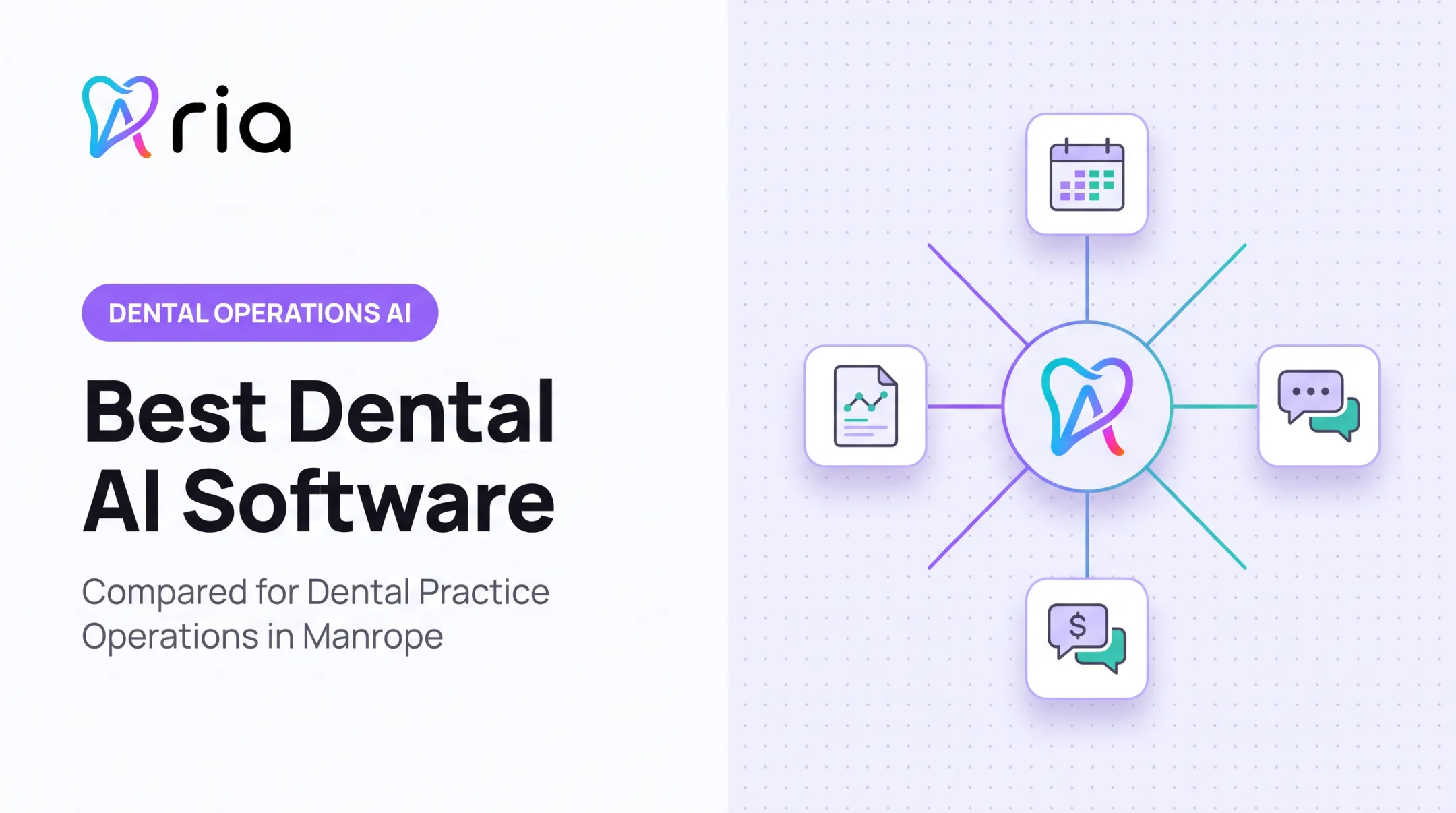
An AI operating layer like Aria doesn't replace your accounting or practice management system. It sits on top of your stack and connects finance, PMS, payroll, patient communications, and procurement into one intelligence layer.
With Aria, your team can answer operational questions, create recurring reports, and trigger automated workflows without jumping between systems. For individual practices, multi-location groups, and DSOs, that connected view turns financial data into day-to-day operational control.
Frequently Asked Questions
What is the best dental bookkeeping software?
It depends on practice size and reporting needs. QuickBooks Online fits many smaller practices; Sage Intacct suits DSOs that need deeper multi-entity reporting—confirm PMS integrations either way.
What software do most dental offices use?
Most offices run a dental PMS for clinical and patient operations plus separate accounting software—often QuickBooks Online or Xero—for bookkeeping and financial reporting.
What software do most bookkeepers use?
Bookkeepers favor tools with reliable bank feeds, fast reconciliation, and solid reporting. QuickBooks Online and Xero are common picks for cloud access and accountant-focused features.