
The "best" dental practice management software isn't the one with the longest feature list. It's the platform that fits your practice's size, specialty, staffing model, growth plans, and current technology stack. A solo practice with three chairs has different needs than a 15-location DSO managing standardized workflows across states.
This guide compares five established platforms, Dentrix, Dentrix Ascend, Dentrix Enterprise, Curve Dental, CareStack, and tab32, on functionality, usability, scalability, integrations, security, and total cost of ownership. We'll also cover where an AI operating layer fits alongside your core system.
Key Takeaways
- Match PMS centralization to practice type—solo offices and DSOs need different architectures.
- Multi-location groups should prioritize centralized reporting, standardized permissions, and scale.
- Verify pricing, migration scope, integrations, and contract terms directly with vendors.
- AI operating layers complement a PMS; they don't replace your system of record.
Overview of Dental Practice Management Software in the US Market
Dental practice management software is the operational backbone of a dental office. It handles appointment scheduling, patient records, treatment plans, insurance claims, payments, and reporting in one connected system.
The market is shifting toward cloud deployment. A 2026-2031 US dental PMS market report found that on-premise systems held 43.65% market share in 2025, while cloud deployments are forecast to grow at 11.95% annually through 2031.

That doesn't mean most offices have already switched. It means the buying conversation has changed, and the hosting model now belongs on every RFP checklist.
Interoperability is catching up too, but slowly. The American Dental Association flagged persistent barriers to dental-medical data exchange in 2025, pushing for standards-based APIs. Not every PMS opens its data the same way, so ask vendors directly about API access rather than assuming.
A core PMS is distinct from adjacent tools, including:
- Dental CRM and patient engagement platforms (recalls, reactivation, messaging)
- Standalone imaging and radiography systems
- AI documentation and charting-assist tools
- Revenue cycle management platforms
- Business intelligence and operating layers that sit on top of your existing stack
The five platforms below represent established options with different strengths. Verify current capabilities and pricing directly with each vendor before you sign anything, since packages and pricing tiers shift year to year.
Best Dental Practice Management Software for 2026
We evaluated each platform on:
- Dental workflow breadth and ease of use
- Deployment model, scalability, and security
- Reporting depth and integration ecosystem
- Fit for different practice types
Here's how they stack up.
Dentrix
Dentrix, from Henry Schein One, is a locally installed PMS built around a server-based architecture. It remains one of the most recognized names for independent and established dental practices.
Core capabilities include an appointment-book scheduler, 3D clinical charting, multi-tooth treatment planning with ledger transfer, electronic claims submission, patient statements, and imaging thumbnails linked directly to patient charts.
Dentrix's biggest differentiator is depth. It's built for offices already comfortable with a server-based workflow and looking for stability over novelty. The trade-off:
- Deployment requires a local database server and IT maintenance, unlike cloud-native competitors
- Learning curve can be steeper for staff without prior Dentrix experience
- Modernization path exists through Dentrix Ascend if a practice wants to move to the cloud later
| Category | Details |
|---|---|
| Pricing | Requires vendor quote; no public list price |
| Deployment | On-premise server-based |
| Core features | Scheduling, 3D charting, treatment planning, claims, imaging links |
| Integrations | Approved third-party apps via Dentrix API Exchange |
| Best-fit profile | Established independent practices comfortable with server infrastructure |
Dentrix Ascend or Dentrix Enterprise
These are two distinct products, not variations of the same platform, and mixing them up is a common buyer mistake.
Dentrix Ascend is a fully cloud-based PMS for practices and DSOs that want web access without local servers. Dentrix Enterprise centralizes multiple offices on a shared central database, but it isn't cloud-native in the same sense.
Ascend offers cross-location dashboards, provider and location comparisons, and location-specific user roles and permissions. It suits growing groups that want cloud flexibility with centralized visibility.
Enterprise focuses on a single shared database across sites, standardized procedures, centrally managed tasks, and audit trails. It's built for large groups, multisite organizations, and integrated health centers that need one source of truth rather than cloud access from anywhere.
Before choosing between them, confirm exactly how each product handles cross-location patient chart access; don't assume unrestricted visibility in either system without seeing it in a live demo.
| Category | Ascend | Enterprise |
|---|---|---|
| Deployment | 100% cloud-based | Central server/database |
| Multi-location tools | Cross-location dashboards, location-scoped roles | Standardized procedures, central task management |
| Analytics | Practice data and analytics module | Audit trail and centralized reporting |
| Best-fit organization | Growing groups wanting cloud access | Large DSOs and multisite health centers |
| Pricing | Requires vendor quote | Requires vendor quote |
Curve Dental
Curve Dental's Curve Hero is a cloud-native PMS aimed at startups, single-location practices, and multi-location groups. It bundles scheduling, charting, treatment planning, imaging, insurance and patient billing, engagement tools, and business reporting into one system.
Curve Mobile lets staff check schedules and pull patient data from a phone, which matters for practice owners who split time between locations.
Where Curve stands out:
- Strong fit for practices actively growing from one to several locations
- Named integration partners published on its site, rather than a blanket compatibility promise
- Dedicated conversion team for migrating records, documents, and images from legacy systems
Buyers should confirm the specific imaging devices and data fields covered in a migration before committing, since conversion scope varies by practice.
| Category | Details |
|---|---|
| Pricing | Personalized quote; special pricing noted for startups |
| Deployment | Cloud-based |
| Core features | Scheduling, charting, imaging, billing, patient engagement |
| Integrations | Published partner list; verify specific compatibility |
| Best-fit profile | Independent practices and growing multi-location groups |
CareStack
CareStack serves individual offices, groups, and DSOs, with a strong focus on unified multi-location operations. It combines clinical and administrative workflows with built-in revenue cycle management tools and analytics, rather than a bolt-on RCM add-on.
For DSOs, CareStack's group page highlights consolidated operations and centralized reporting across affiliated practices. Its RCM tools address insurance follow-up, collections, and financial workflow at scale.
Onboarding follows a structured process. CareStack's published steps include:
- Workflow and integration review with the incoming practice
- Data conversion from the existing PMS
- Validation in a sandbox environment with duplicate checks
- Staff training (virtual and on-demand options)
- Sign-off before go-live

Treat published rollout examples as illustrative, not a guaranteed timeline. Complexity varies with the number of locations and the state of existing data.
| Category | Details |
|---|---|
| Pricing | Requires vendor quote |
| Deployment | Cloud-based |
| Multi-location tools | Consolidated operations, centralized reporting |
| Revenue cycle | Built-in RCM including collections and insurance workflow |
| Best-fit organization | Larger practices, groups, and DSOs wanting an all-in-one system |
tab32
tab32 splits its cloud offering into two tiers: Alpine for small practices and Summit for enterprise groups. The core PMS covers scheduling, charting, imaging, billing, and reporting, with digital intake forms and two-way patient communication built in.
Published 2026 pricing (a rarity in this category):
- Alpine Start-Up: $125/month in year one for up to three providers, rising to $225/month from year two
- Alpine Established Practice: $225/month for up to five providers
- Summit: custom-priced for enterprise groups
A 14-day trial is available but requires a card on file, and imaging setup lives on a paid plan. Ask which messaging and booking features are included versus billed as usage-based add-ons.
tab32 names partners like Vyne Dental and DentalXChange, but that does not guarantee compatibility with every device already in your office.
| Category | Details |
|---|---|
| Pricing | Published tiers starting at $125/month |
| Deployment | Cloud-based (Alpine/Summit) |
| Core features | Scheduling, charting, imaging, billing, digital intake |
| Integrations | Named partners (e.g., Vyne Dental, DentalXChange); verify devices | | Best-fit profile | Small to mid-sized practices (Alpine), enterprise groups (Summit) |
How We Chose the Best Dental Practice Management Software
We prioritized current, verifiable product information over brand familiarity. Each platform's 2026 availability and US market support were checked against vendor documentation rather than assumed from prior reputation.
Functional coverage we evaluated included:
- Scheduling, charting, and treatment planning
- Imaging connections and role-based access
- Billing, claims, eligibility checks, and payments
- Patient communications and reporting
A platform missing any one of these typically needs a bolt-on tool, which adds cost and complexity.
Usability and scalability mattered just as much as feature lists. We looked at interface quality, training requirements, mobile access, and how well each system standardizes workflows across multiple locations. Unverified review claims were excluded; we relied on vendor documentation and published architecture details instead.
Security follows the HHS HIPAA Security Rule, which requires administrative, physical, and technical safeguards such as access controls, audit logs, and contingency planning. An unqualified "HIPAA compliant" label on a sales page isn't enough. Ask vendors specifically how they handle:
- Role-based access permissions
- Audit trails and activity logs
- Data backup and disaster recovery
- Business Associate Agreement (BAA) terms
Total cost of ownership goes well beyond the monthly subscription fee. Budget for:
- Implementation and staff training
- Data conversion from your legacy system
- Hardware or IT infrastructure for server-based deployments
- Payment and communication add-ons
- Cancellation terms if you outgrow the platform or add locations
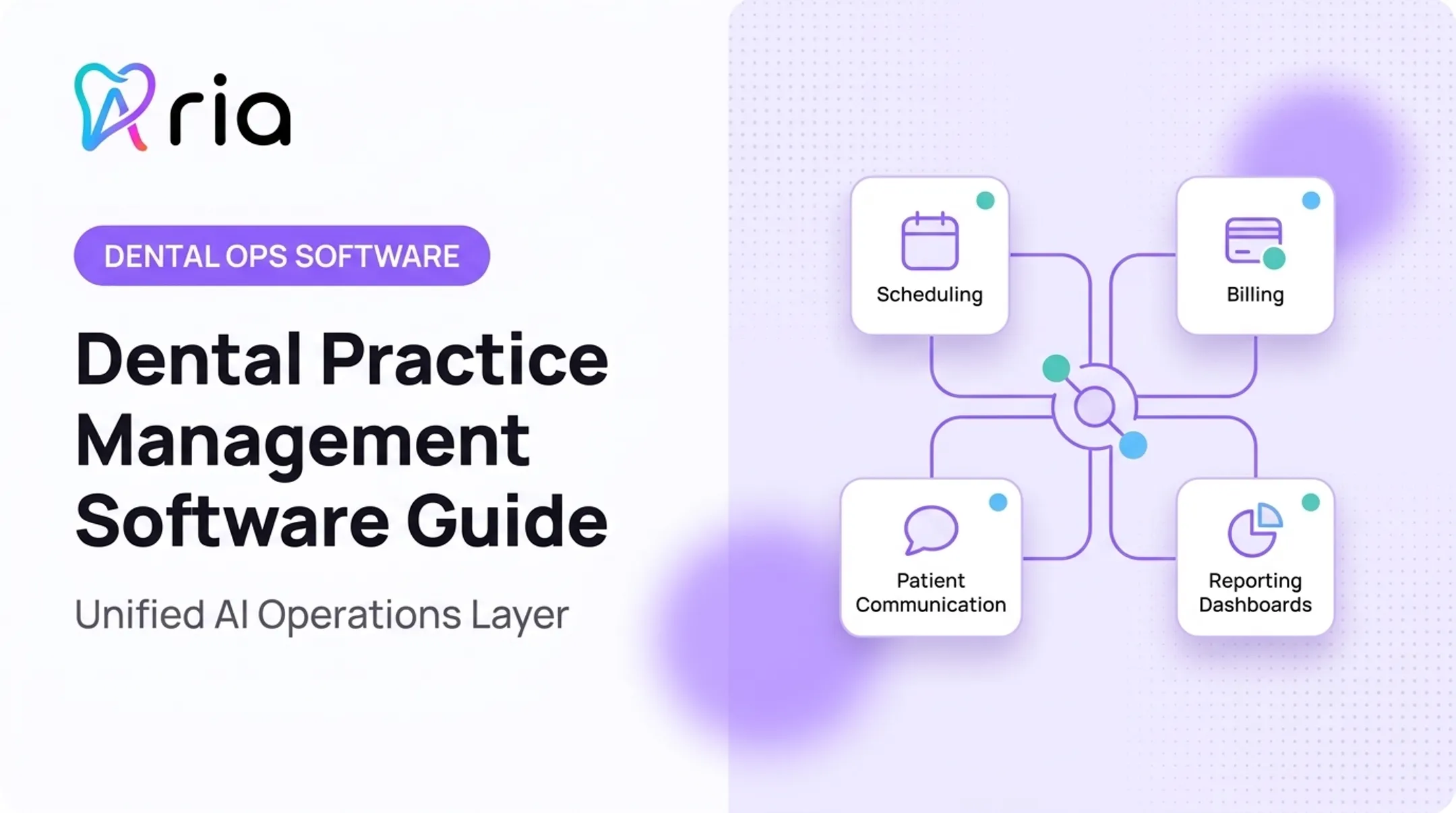
Where an AI operating layer fits. A PMS remains your system of record. Tools like Aria connect practice management, revenue cycle, payroll, communications, procurement, and finance data into one intelligence layer, sitting alongside your PMS rather than replacing it.
Teams can ask plain-language questions ("How does hygiene production compare across our three locations this month?"), get alerts on schedule gaps or churn risk, and automate recurring reports. That is a different category from the PMS itself—and worth separating before you treat any single tool as an all-in-one fix.

Conclusion
There's no universal "best" dental practice management software for 2026. A solo practice may prioritize simplicity and predictable monthly cost. A DSO managing a dozen locations needs centralized reporting, standardized permissions, and cross-location visibility that a single-office tool simply wasn't built for.
Before you sign a contract:
- Build a requirements checklist specific to your practice's workflows
- Run demos with both front-office and clinical staff, not just leadership
- Get migration and implementation details in writing
- Calculate full cost over your expected contract term, not just the first year
Once your PMS is settled, the next question is how to get more value out of the data it already holds. That's where Aria comes in.
It connects to your existing practice management, revenue cycle, payroll, and communication systems to surface performance opportunities, flag schedule gaps, and cut down on repetitive administrative work. If you're evaluating your operational stack for 2026, see how Aria fits alongside whatever PMS you choose.
Frequently Asked Questions
Is there free dental practice management software?
Free options typically cover limited scheduling or charting needs, not full practice management. Fully featured systems usually involve subscription, implementation, or support fees, so check data ownership and hidden costs before assuming "free" means complete.
What CRM do dental offices use for dental practice management?
A dental CRM isn't the same as a PMS. Practices often layer a CRM or patient engagement tool on top of their PMS for recalls, reactivation, messaging, and reputation management. The PMS still handles clinical and financial records.
What are the different types of dental software?
Common categories include:
- Core practice management systems
- Electronic charting and imaging software
- Billing and revenue cycle tools
- Patient communication or CRM platforms
- AI documentation tools and operating layers
What is the most popular dental practice management software?
Popularity varies by practice size, specialty, and how the data was gathered. Compare product fit, support quality, and integration depth for your specific situation instead of relying on a single popularity claim.
What are some popular dental practice management software programs?
- Dentrix and Dentrix Enterprise for established or large independent practices
- Dentrix Ascend, Curve Dental, and CareStack for growing groups and DSOs
- tab32 for smaller practices seeking published, predictable pricing