
Introduction
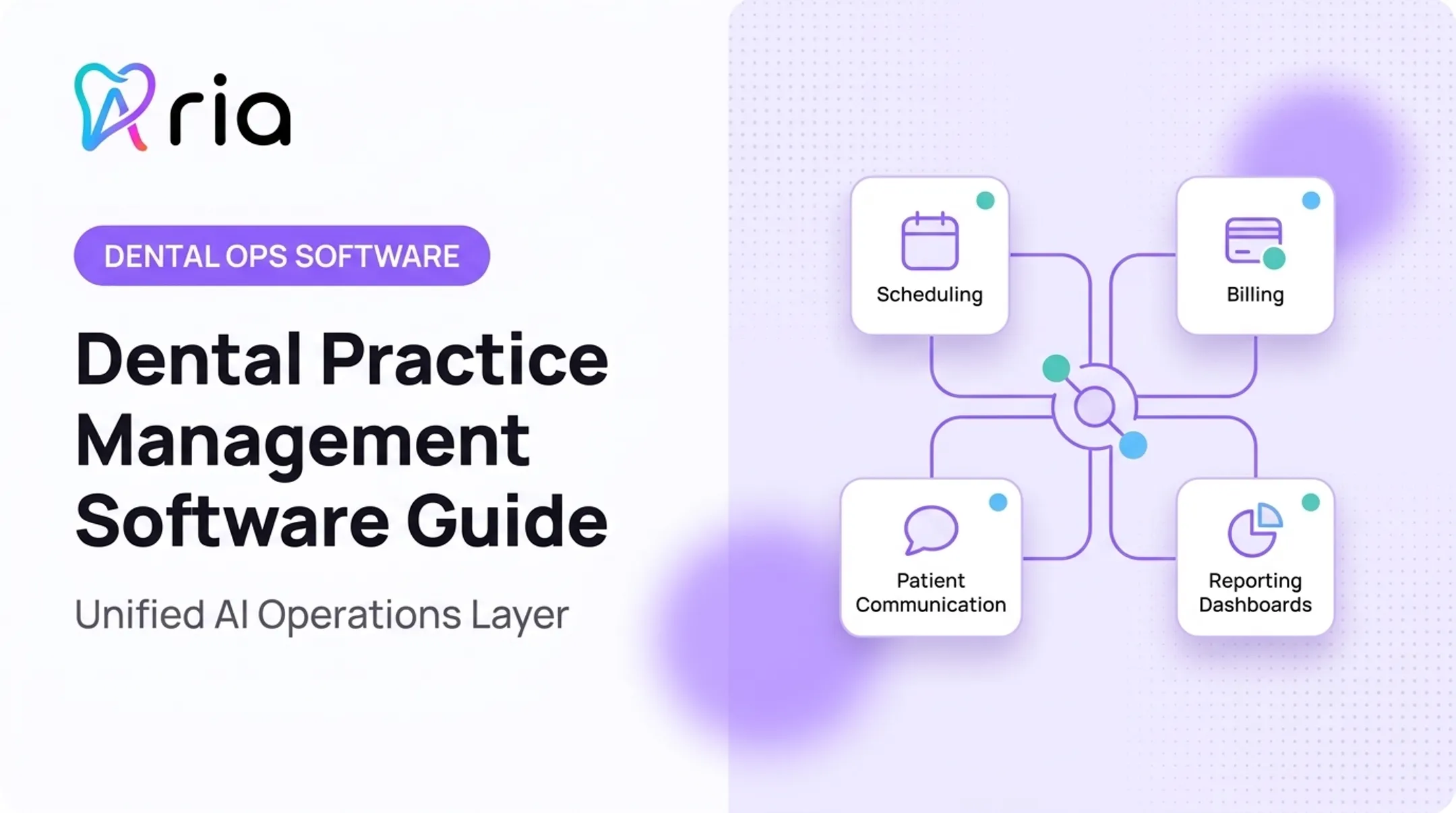
Dental clinic software isn't just a digital appointment book. It's the operational backbone connecting patient care, scheduling, billing, communication, and practice performance into one working system.
Many practices struggle with fragmented systems that don't talk to each other. Front-desk teams re-enter data across platforms. Claims sit unworked for weeks. Schedules have gaps nobody notices until month-end.
These problems compound the pressures dentists already face. In a late-2025 ADA survey, 55.3% of dentists cited insurance issues and 54.2% cited staffing as top concerns heading into 2026, according to the ADA Health Policy Institute's economic outlook.
This guide helps you separate must-have practice-management requirements from advanced capabilities, so you can evaluate software with a clear checklist:
- Core requirements vs. advanced features
- Security and compliance expectations
- Integrations and scalability
- Implementation and vendor support
Key Takeaways
- Treat scheduling, records, billing, insurance, and reporting as one connected workflow—not separate tools.
- Rank interoperability, HIPAA safeguards, and workflow fit above a long feature list.
- Plan tighter standardization and permissions for DSOs and multi-location groups than for solo practices.
- Run real clinic scenarios and total cost of ownership before you sign a contract.
Essential Dental Clinic Software Requirements
These are baseline requirements for most US dental practices. Evaluate them through real workflows, not isolated checkboxes on a sales sheet.
Patient Records, Charting, and Treatment Planning
Your software needs a unified patient record covering demographics, medical and dental history, allergies, insurance details, clinical notes, treatment plans, consent documentation, referrals, and communication preferences.
The ADA's recordkeeping guidance calls for consistent, attributable charting covering diagnostic findings, treatment performed, and informed-consent discussions.
Dental-specific functionality to verify chairside, beyond a sales demo:
- Odontograms and periodontal charting
- Procedure documentation and clinical templates
- Treatment sequencing tied to visit records
- Imaging and follow-up tasks linked to the treatment plan
The point is simple: clinical information shouldn't need re-entry across three different screens.
Scheduling and Resource Management
Scheduling needs to account for providers, operatories, chairs, equipment, and procedure duration, far more than an open time slot. Recurring treatment, emergency slots, waitlists, and cancellations all need dedicated handling.
Access matters too. The ADA reported a 13.4-day average wait for a new-patient appointment in Q4 2025. That gap gets worse when schedule software can't surface gaps in real time.
Require these workflows:
- Online booking, confirmations, and reminders that write back to the central schedule
- Recall workflows tied to actual completed treatment, not a generic calendar entry
- Rescheduling that updates provider and operatory availability automatically
When you test a vendor, don't just book a routine cleaning. Walk through a multi-visit treatment plan involving two different providers. An implant case referred between a general dentist and a specialist is a good stress test.
Billing, Insurance, and Payments
This is where most administrative hours disappear. Software should cover dental procedure coding, fee schedules, eligibility verification, preauthorizations, electronic claims, attachments, claim-status tracking, and remittance posting.
Coding changes yearly, and your system needs to keep pace. CDT 2026 introduced 60 changes (31 additions, 14 revisions, 6 deletions, and 9 editorial updates), effective January 1, 2026. Software that isn't updated for current code sets creates claim denials before a claim is even submitted.

Key capabilities to confirm:
- Clear separation of insurer responsibility versus patient responsibility
- Online payments, payment plans, and refund handling
- Reconciliation between production, collections, and outstanding balances
Ask vendors directly how they handle current payer requirements rather than accepting a vague compliance claim.
Patient Engagement and Relationship Management
Patient communication needs to function like a CRM, not a broadcast tool. That means tracking the patient journey from first inquiry through appointment, treatment acceptance, and reactivation.
Required capabilities include:
- Two-way texting, email, voice, and web chat
- Digital forms and patient portals
- Recall campaigns and treatment follow-up
- Review requests and communication-preference management
The ADA recommends documenting each patient's preferred contact method before sending reminders. Good automation respects that preference. Bad automation ignores it and blasts every channel at once.
Confirm the system includes consent management, opt-out handling, personalization, and a complete communication history your staff can actually review, not a bare delivery log.
Reporting, Dashboards, and Workflow Management
Dashboards should cover scheduling utilization, production, collections, case acceptance, recall, no-shows, and hygiene performance. Dental Economics distinguishes production from collections. The latter is revenue you actually receive, not merely billed production.
Reports only matter if teams trust the numbers. Require:
- Shared metric definitions across providers and locations
- Filters by provider, location, and time period
- Scheduled reports, exports, and alerts
Before relying on any dashboard, validate it against known practice data. Inconsistent coding or incomplete charting produces misleading reports fast.
Advanced Features Dental Practices May Need
Advanced capabilities should match your practice's size, specialty, and growth plans. Don't buy a feature because it's labeled "AI" or "enterprise."
Automation and Predictive Intelligence
Automation should reduce manual work, not add another system to babysit. Look for automated task assignment, unscheduled-treatment follow-up, recall prioritization, and no-show risk signals.
Predictive tools are only useful if you can trust the output. Require:
- Visible source data behind each recommendation
- Human-review controls before automated actions execute
- A way to measure whether the recommendation actually improved the workflow
Aria is one example of an AI operating layer built for dental businesses. It connects practice management, revenue cycle, communications, payroll, and finance systems so teams can surface schedule gaps, flag no-show risk, and turn a one-time question into a recurring alert.

Before you rely on any predictive layer, including Aria, verify integration depth, permission scopes, and data boundaries.
Multi-Location, DSO, and Specialty Capabilities
DSO affiliation among US dentists grew from 7.2% in 2015 to 16.1% in 2024, according to ADA workforce data. Requirements scale with that growth.
| Practice Type | Priority Requirements |
|---|---|
| Solo practice | Simplicity, chairside usability, core workflows |
| Multi-location group | Location comparison, standardized templates, role-based access |
| DSO | Centralized reporting, onboarding for acquired practices, labor visibility |
| Specialty practice | Specialty-specific charting, surgical workflows, case tracking |
Specialty practices—ortho, oral surgery, perio—need charting and sequencing built for their procedures, not a general-dentistry template stretched to fit.
Mobile, Cloud, and Remote Access
Cloud and on-premise options trade off accessibility, updates, backups, and infrastructure ownership. Cloud usually wins on access and maintenance; on-premise can win on control.
Either way, secure mobile access to schedules, tasks, dashboards, and approved patient data is table stakes. Convenience still can't override privacy. Verify:
- Role-based mobile permissions
- Session timeout and device controls
- Vendor uptime history and disaster recovery commitments
Ask for real service-status transparency, not a marketing claim about reliability.
Open Integrations and Data Portability
The ADA has flagged a real gap: many dentists have no native FHIR endpoint and rely on middleware or manual workarounds. Proprietary exchange can also mean costly third-party mapping.
Require documented integrations or APIs for:
- Practice management and imaging systems
- Payments and insurance verification
- Accounting, payroll, and marketing tools
Know the difference between a true two-way integration and a one-way export. Before signing, ask about data ownership, export formats, API access fees, and termination help if you switch later.
Operational Intelligence and Unified Work Management
Some tools go beyond static reporting. They combine revenue cycle, labor, communications, and finance data into one intelligence layer that surfaces priorities without manual report-building.
Practical use cases include:
- Comparing production and collection variance across locations
- Routing alerts when a goal starts slipping
- Converting insights into assigned tasks or patient outreach
This is operational decision support, not clinical diagnosis. Confirm human approval steps, audit trails, and data boundaries before you adopt any layer.
Security, Compliance, and Integration Requirements
HIPAA, Privacy, and Access Controls
Any cloud vendor storing patient data for your practice is a HIPAA business associate, even if the vendor can't decrypt that data itself. HHS guidance confirms a business associate agreement (BAA) is required regardless of encryption.
Verify:
- A signed BAA covering the vendor and relevant subcontractors
- Encryption in transit and at rest
- Role-based access, multi-factor authentication, and audit logs
- Breach-response processes and data retention/deletion policies
HIPAA compliance is a shared operational responsibility. A vendor's marketing page saying "HIPAA compliant" isn't proof. Ask for actual security documentation.
Reliability, Continuity, and Support
Evaluate uptime commitments, status communication, and backup testing. HIPAA's contingency-plan standard requires data backup, disaster recovery, and emergency-mode operations planning.
Get a written answer to one question: how does your practice continue check-in, charting, and billing during an outage? If the vendor can't answer clearly, that's a red flag.
Also confirm:
- Support hours and escalation paths
- Onboarding and training scope
- Post-launch account management
Integration Testing and Data Governance
Test your exact hardware, imaging systems, payment tools, and phone systems before signing anything. A generic demo doesn't reveal compatibility problems.
Define ownership of master data:
- Providers, locations, and procedure codes
- Fee schedules and appointment types
- Reporting definitions used across locations
Clean, consistently structured data is a prerequisite for reliable analytics. Messy data in means misleading reports out, no matter how good the dashboard looks.
How to Evaluate, Select, and Implement Dental Clinic Software
Build a Requirements Checklist Before Vendor Demos
Document current workflows from patient inquiry through recall and reporting. Interview front-desk, clinical, billing, and management staff to find bottlenecks and workarounds.
Classify each requirement:
- Essential — the practice can't operate without it
- Valuable — meaningfully improves a workflow
- Optional — nice to have, not decision-critical
Compare Vendors Using Realistic Scenarios
Ask every vendor to run the same scenarios:
- New-patient booking
- Complex treatment plan
- Insurance claim problem
- Cancellation and reschedule
- Multi-location report
Score each on functionality, usability, integration depth, security, and total cost—not brand recognition. Request references from practices similar to yours in size, specialty, and payer mix.
Calculate Total Cost of Ownership
Build the full cost picture before you compare quotes:
- Subscription fees
- Implementation and data conversion
- Training
- Integrations and hardware
Ask which features are native versus add-ons, and get renewal terms and cancellation provisions in writing before signing.
Plan Migration, Training, and Adoption
Require a migration plan that covers:
- Data cleanup and duplicate resolution
- Imaging transfer
- Validation before go-live
Role-based training with internal champions beats a single generic session every time. Consider a phased or parallel validation period, and follow vendor and compliance guidance on any temporary duplicate data entry.
Measure Results and Reassess the Stack
Set a pre-go-live baseline, then revisit it after launch:
- Schedule utilization
- Claim backlog
- Recall completion
- Adoption, data quality, and support tickets
Use those results to adjust templates, permissions, and workflows. Choose the system—or connected stack—that fits how your practice actually runs, keeps patient data protected, and can grow with new locations, specialties, or reporting needs.

Frequently Asked Questions
What software is commonly used in dental clinics?
Clinics typically use practice management software for scheduling, records, charting, treatment planning, billing, insurance, and reporting. Many pair it with separate imaging, payment, communication, or analytics tools.
What is the best CRM software for a dental clinic?
It depends on your communication, recall, and multi-location needs. A dental CRM handles patient outreach and reactivation, while a core practice management system remains the system of record for clinical and billing data.
What features should dental clinic software include?
At minimum: scheduling, patient records, clinical charting, treatment planning, billing, insurance, payments, patient engagement, reporting, security, and data portability.
How do I know whether dental software will integrate with my existing systems?
Verify exact compatibility with your hardware, imaging system, payment processor, and phone system through documentation and live testing, not general integration claims.
Is cloud-based dental clinic software secure?
Security depends on both the vendor's safeguards and your practice's configuration. Confirm a signed BAA, encryption, access controls, audit logs, and current disaster recovery documentation before trusting any cloud claim.