
Introduction
Choosing dental practice management software used to be a simple scheduling decision. In 2026, it's an operational one.
Modern platforms now connect scheduling, clinical charting, billing, insurance claims, imaging, patient communication, and compliance workflows in one place.
Planet DDS's 2025 industry report, drawn from operating data across 3,400 US dental practices, found 7.4% of appointments ended in no-shows and 15.5% were canceled in advance. That's real revenue leaking out of the schedule every week.
The right system cuts that leakage and the manual work that eats into staff time and patient care.
This guide compares the leading platforms for 2026 by practice size, deployment model, multi-location capability, integrations, and total cost of ownership, so you can match the software to how your practice actually operates.
Key Takeaways
- The best-fit platform depends on whether you're a solo practice, specialty office, multi-location group, or DSO.
- Cloud-native systems simplify remote access and centralized reporting; self-hosted systems trade convenience for architectural control.
- Data portability, security, and support matter more than a long feature list.
- Aria sits above your connected systems as an AI layer for reporting, alerts, and automation, not a PMS replacement.
Overview of Dental Practice Management Software in the US Market
Dental practice management software (PMS) is the core system handling scheduling, patient records, clinical charting, treatment planning, billing, insurance claims, payments, and reporting. It's the operational backbone every other tool plugs into.
The category is growing fast. Grand View Research estimated the US dental PMS market at $924.04 million in 2024, with projected annual growth of 9.1% through 2030. Cloud adoption, integrated imaging, and AI-assisted automation are driving that growth as they move inside mainstream platforms rather than staying separate add-ons.

What PMS Software Doesn't Do
PMS platforms are not the same as:
- CAD/CAM design tools — exocad, CEREC, and 3Shape handle digital impressions and restoration design, not scheduling or billing.
- Standalone imaging software — often integrates with a PMS but isn't a replacement for one.
- AI operations layers — tools that sit on top of a PMS to unify reporting and automate tasks, without touching the clinical or financial system of record.
The shortlist below covers platforms serving different practice profiles. There's no single "best" system, only the one that fits your operating model.
Best Dental Practice Management Software for 2026
Each platform below is evaluated on functionality, deployment model, practice-size fit, integration depth, data access, and support. Pricing and feature sets change frequently, so verify current details directly with each vendor before signing anything.
Denticon
Denticon, built by Planet DDS, is a cloud-based platform designed primarily for multi-location dental groups and DSOs, though solo practices can use it too.
Strengths worth evaluating:
- Cross-location visibility for scheduling, clinical, and financial data
- Revenue cycle management tools and analytics dashboards
- Imaging integrations, including XVWeb and Apteryx
- Partner API program supporting patient, appointment, and financial data integration
Denticon publishes a SOC 2 Type 2 attestation and states support for role-based access, SSO, and MFA.
Best-fit customer: a growing DSO that wants centralized operations and standardized workflows across locations. Before signing, ask about implementation timelines, contract length, and any mobile or device limitations for front-desk staff.
CareStack
CareStack is a cloud-native, all-in-one platform combining PMS, billing, imaging, patient engagement, and revenue cycle management under one login.
Its onboarding process follows published stages: kickoff, integration discovery, data conversion with sandbox validation, training, and go-live. CareStack calls 4-5 weeks typical for a single-location rollout, though that's a vendor estimate, not an independent benchmark.

Pricing starts at $829/month for the Essentials tier and $1,299/month for Intelligence, with actual cost depending on locations, chairs, and providers. The vendor's US pricing page doesn't publish standard contract length or cancellation terms, so get those in writing before you commit.
Consolidation is appealing if you're replacing five disconnected tools. If you're a small solo practice, ask whether you actually need that breadth, or if a lighter platform would serve you better.
Curve Dental
Curve Dental is a cloud-first option built for solo practices, small-to-mid-sized groups, and select multi-location organizations that want browser-based access without an on-site server.
Core features include scheduling, charting, billing, and imaging. But Curve also markets separate offerings:
- Curve Sidekick: workflow assistance
- Eligibility+: insurance verification
- Curve Pay: payment processing
- Curve Care+: patient engagement tools
Not every subscription includes every add-on, so confirm what's bundled versus billed separately. Curve doesn't post standard pricing; it directs buyers to a personalized quote. If you're planning to grow past one location, ask specifically how the platform scales for multi-site reporting and provider-level visibility.
Dentrix Ascend or Dentrix Enterprise
Here's where confusion often starts. "Dentrix" isn't one product: it's three, and they don't overlap the way buyers assume.
| Product | Deployment | Best Fit |
|---|---|---|
| Dentrix (classic) | Locally installed, server-based | Solo and small-group practices |
| Dentrix Ascend | Cloud-native, browser-accessible | Single sites, groups, DSOs, mobile dentistry |
| Dentrix Enterprise | Central-server architecture shared across offices | Large multi-location groups, public health providers |
Ascend suits practices wanting cloud access without managing servers. Enterprise suits larger organizations that need centralized data across many sites but aren't necessarily cloud-native in architecture.
Buying the wrong one (for example, purchasing Ascend when your organization needs Enterprise's centralized database model) creates a costly mismatch. Verify current feature tiers, imaging integrations, and data export options with Henry Schein One directly before choosing.
Open Dental
Open Dental is known for flexibility: customizable reporting, broad integrations, and a choice between self-hosted, self-directed cloud hosting, or Open Dental Cloud (currently in limited release).
One correction: Open Dental moved from an open-source GPL license to a proprietary license as of version 24.4. Database access didn't change, but it's no longer accurate to call the current release "open-source" without qualification.
Self-hosting gives practices more architectural control, but it shifts real responsibilities onto your team or IT provider:
- Regular backup testing and disaster recovery
- Endpoint security and network controls
- Software updates and version management
- Ongoing IT support costs
This suits technically capable practices and groups that want direct database access. It's a poor fit for offices without dedicated IT support.
How We Chose the Best Dental Practice Management Software
This comparison combines vendor documentation, published feature pages, implementation guides, and current pricing pages rather than relying on marketing claims alone.
Core workflow coverage. We checked scheduling, charting, treatment planning, billing, insurance eligibility, e-claims, payments, imaging, recalls, and reporting, noting which features are native versus paid add-ons.
Architecture and scalability. We compared cloud-native, self-hosted, and hybrid models on remote access, centralized data, multi-location reporting, and how easily a new office can be onboarded after an acquisition.
Interoperability and data control. We looked at APIs, imaging bridges, clearinghouse connections, export formats, and, critically, what it costs and how long it takes to leave a platform if you switch later.

Total cost of ownership. Not sticker price. This includes:
- Implementation and data conversion fees
- Staff training time
- Hardware and payment processing costs
- Add-on modules and third-party integrations
- Downtime risk during migration
Security and support. HHS guidance on the HIPAA Breach Notification Rule requires business associates to notify covered entities within 60 days of discovering a breach. Any vendor handling patient data should be able to explain their access controls, backup procedures, and incident response commitments clearly, not just point to a compliance badge.
Those criteria judge the PMS as the system of record. Many practices still need a way to see across that stack without ripping it out.
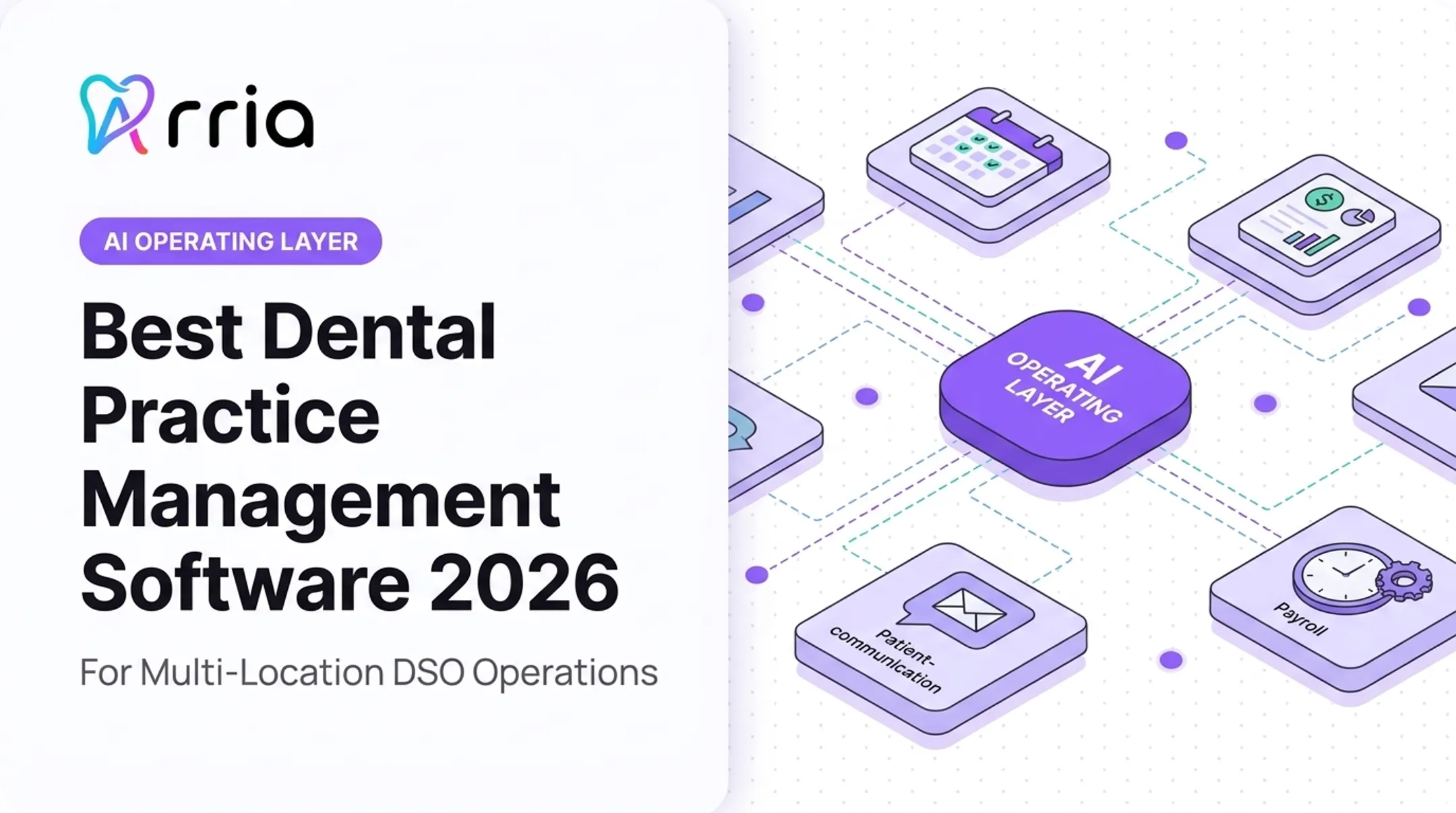
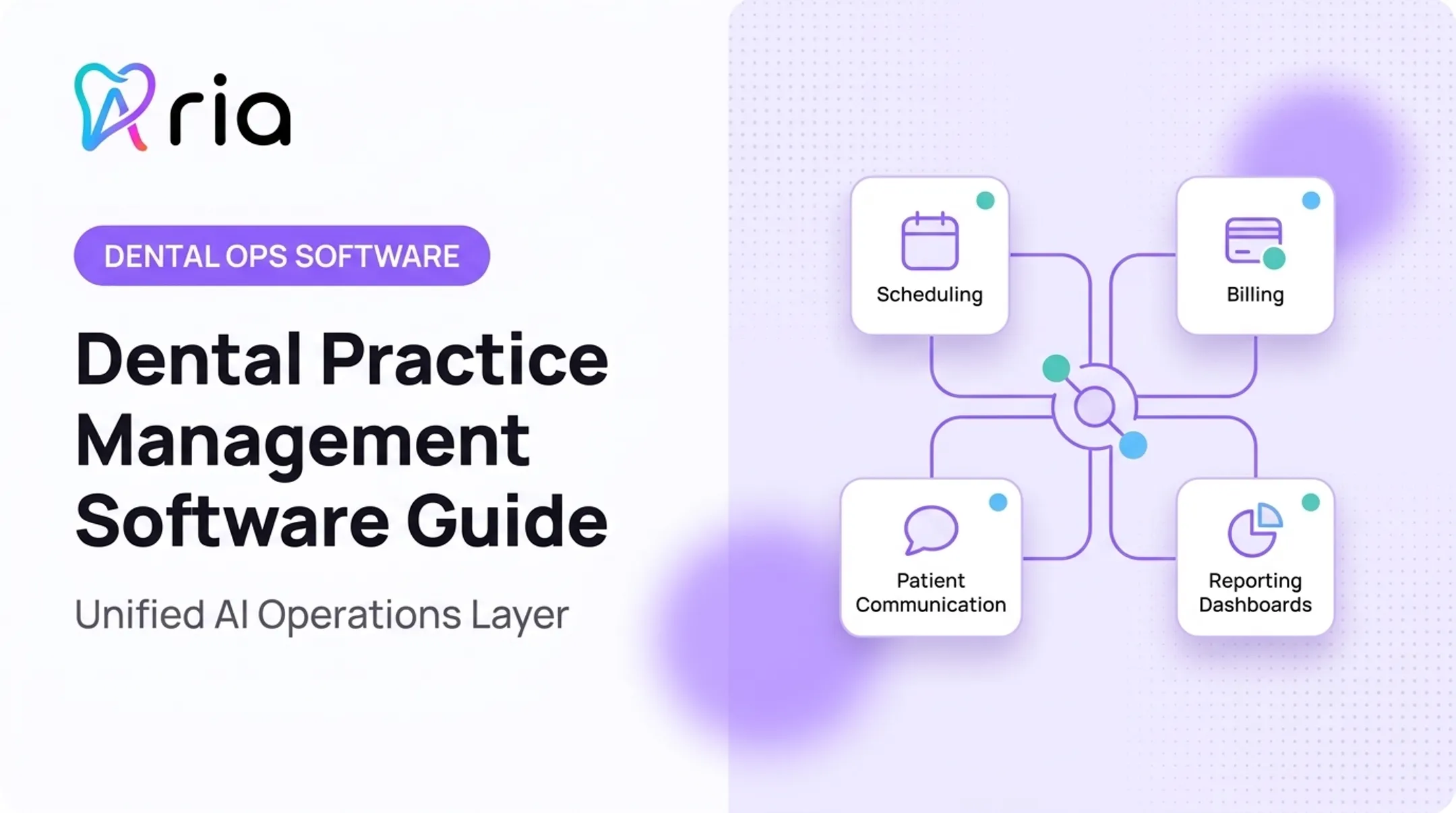
Aria is built for that gap. It sits alongside your PMS, revenue cycle, payroll, communications, and finance tools so teams can ask plain-language questions, run recurring reports, and catch schedule gaps or overdue collections from one place.
Conclusion
The right dental practice management software matches your operating model, growth plan, and staffing capacity. A longer feature list or a familiar brand name will not fix a poor day-to-day fit.
Before signing anything, run a demo using your own scheduling, billing, and reporting scenarios. Ask for written answers on:
- Data migration and export rights
- Security safeguards and breach response
- Implementation timeline and training
- Ongoing support structure
If you're already running multiple disconnected systems, ask a different question: not which PMS to switch to, but how to get a unified view across the systems you already have.
That's where Aria fits. It connects to your existing PMS, RCM, payroll, and communication tools so you can see production trends, collections gaps, labor efficiency, and outreach opportunities in one place—without replacing the stack you already run.
If you want a clearer view of daily operations across the tools you already use, see how Aria fits alongside your current systems.
Frequently Asked Questions
What dental software do most dentists use?
Usage varies widely by practice size, specialty, and region. Denticon, CareStack, Curve Dental, and the Dentrix product line are common in US practices, but popularity doesn't mean any one is the right fit for your specific setup.
What are some popular dental CAD software options?
exocad DentalCAD, Dentsply Sirona's CEREC, and 3Shape Dental System are widely used for digital impressions and restoration design. These are separate from PMS software and typically integrate with, rather than replace, your practice management system.
What is the best dental software in 2026?
There's no universal winner. Solo practices often lean toward Curve Dental or classic Dentrix. Multi-location groups and DSOs tend to evaluate Denticon, CareStack, or Dentrix Ascend/Enterprise, while technically capable teams may prefer Open Dental for its flexibility.
What should I look for in dental practice management software?
Check scheduling, charting, billing, claims, imaging, patient engagement, and reporting coverage. Then evaluate security, data export rights, implementation support, training, and total cost of ownership, not just the subscription price.
Is cloud-based dental practice management software better than on-premise software?
Cloud platforms simplify remote access, automatic updates, and multi-location visibility. Self-hosted systems offer more infrastructure control but shift security, backup, and uptime responsibility onto your practice or IT provider.