
Introduction
Your front desk team spends hours every week on the phone: confirming tomorrow's schedule, chasing no-shows, and trying to fill chairs that just opened up. It's repetitive work, and it pulls staff away from patients standing right in front of them.
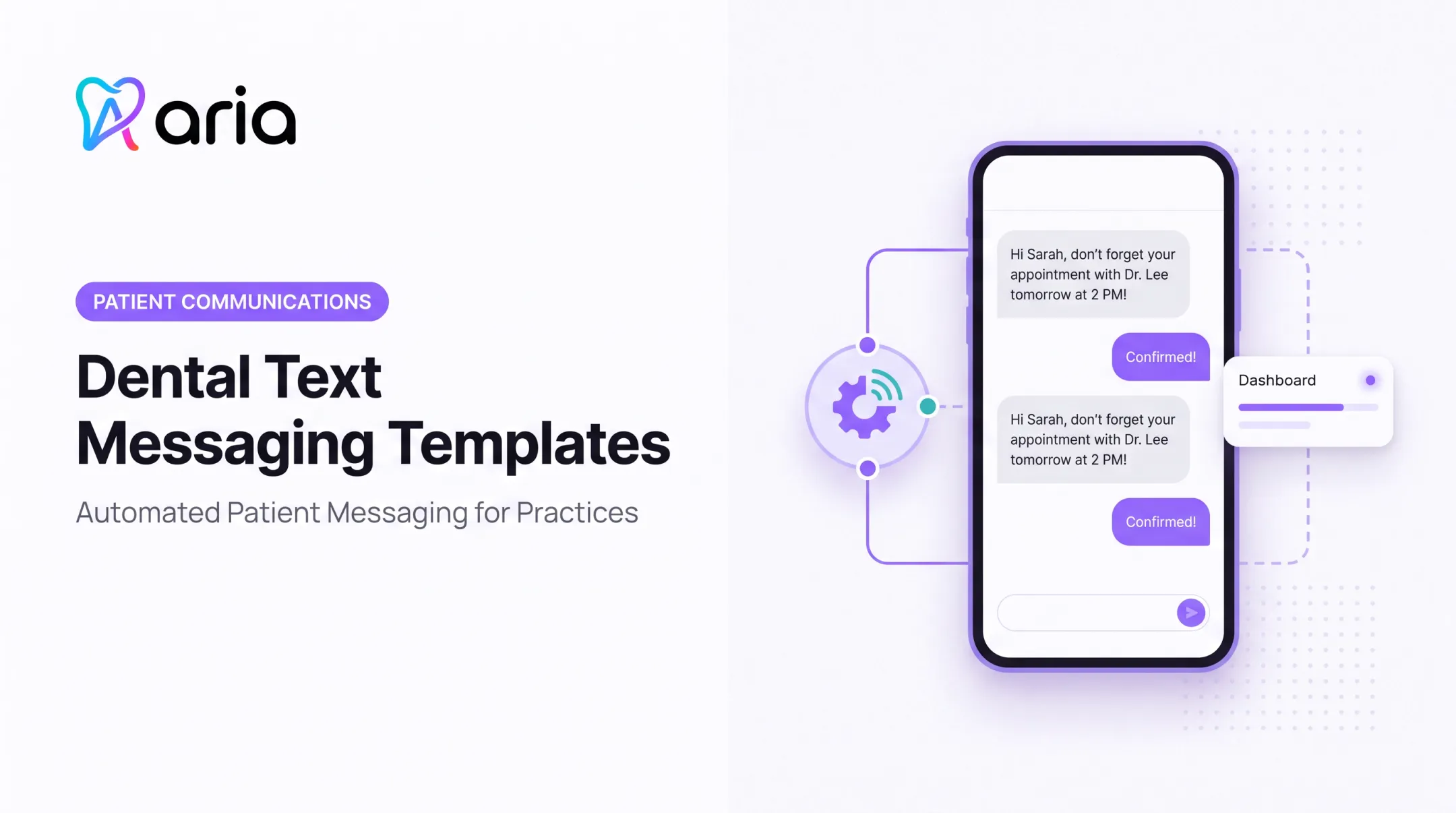
Well-timed appointment text messages fix a lot of this. Patients can confirm, reschedule, or complete forms with a single reply, no phone tag required.
This guide covers copy-and-paste dental text templates, the U.S. compliance rules that actually apply to SMS, a practical sending cadence, and workflow ideas for solo practices, multi-location groups, and DSOs alike.
Key Takeaways
- Keep texts short: practice name, date, time, and one clear next step.
- Always give patients a way to confirm, cancel, or reschedule by replying.
- Leave diagnoses and procedure details out of standard SMS; use a secure portal instead.
- Track confirmations, reschedules, no-shows, and opt-outs to refine your approach.
- Document consent and honor opt-out requests immediately across every location.
Why Dental Practices Use Appointment Text Messages
Missed dental visits rarely come down to one cause. Patients forget, work schedules shift last minute, transportation falls through, or childcare plans fall apart. A text reminder that arrives at the right moment addresses several of these at once, simply by keeping the appointment visible and giving patients an easy way to act on it.
The scheduling impact shows up in the data that practices already track. In ADA's 2022 report, 81.7% of responding practices named no-shows or late cancellations (under 24 hours' notice) as a reason their schedule wasn't full that week. That's a scheduling-barrier statistic, not a patient-level no-show rate, but it confirms how common this gap is across the industry.
What two-way texting actually changes operationally:
- Earlier cancellation notice, which gives staff more time to fill the slot
- Fewer manual reminder calls tying up the front desk
- Faster same-day confirmation of tomorrow's schedule
- A documented trail of who confirmed, who didn't, and who needs a call
There's also solid evidence that an extra touch helps. A 2022 randomized Kaiser Permanente Washington study tested two reminder texts (three and two days before a visit) against a single text two business days out. The trial covered more than 158,000 primary care and mental health appointments. The two-text sequence cut no-show risk by 7% in primary care and 11% in mental health visits.

That trial covered medical clinics, not dental offices, so treat the cadence as a hypothesis worth testing rather than a guaranteed dental result. Measure your own confirmation and no-show numbers before and after you add a second reminder.
How to Write Dental Appointment Texts Safely and Clearly
A good appointment text does one job well: it tells the patient what's happening and what to do next. Every message should include:
- Practice name (so patients recognize the sender instantly)
- Patient's first name, where your workflow supports personalization
- Provider or department, if relevant to the visit
- Date, time, and location or office identifier for multi-site practices
- A clear response option ("Reply CONFIRM" or "Reply RESCHEDULE")
- A phone number or link for patients who need help
- Opt-out language, where your messaging program requires it
Keep Sensitive Information Out of Standard SMS
Standard text messages aren't the place for diagnoses, procedure names, treatment findings, or insurance details. The American Dental Association's HIPAA guidance specifically cautions against including treatment, condition, or premedication details in an accessible text message. If a patient needs clinical instructions, point them to a secure portal or ask them to call the office.
Understand the Compliance Layers
Three separate sets of rules apply here, and passing one doesn't mean you've satisfied the others:
| Rule | What it actually governs |
|---|---|
| HIPAA | Treats appointment reminders as treatment communications (no separate authorization), but still requires safeguards and respect for preferred contact methods per HHS guidance |
| TCPA / FCC rules | Covers consent, opt-out handling, and message frequency for automated texts; a 2020 FCC decision rejected a broad healthcare exemption |
| Carrier / A2P registration | Requires business and campaign registration with major U.S. carriers before sending over 10-digit long codes, including non-marketing appointment messages |
Before you send, run through this checklist:
- Verify the recipient's name, number, and appointment details are current
- Use an approved, pre-reviewed template rather than ad-hoc wording
- Confirm any links lead to your actual patient portal or scheduling system
- Avoid abbreviations patients might not understand
- Define who on staff monitors and responds to replies
- Route clinical questions, urgent symptoms, or complaints away from SMS
Keep these ongoing controls in place:
- Document each patient's communication preference
- Maintain a suppression list for opt-outs
- Limit who can access messaging tools
- Send only through an approved business platform with proper security controls
Dental Appointment Text Message Samples and Templates
Each template below uses placeholders: [Practice Name], [Patient Name], [Provider], [Date], [Time], [Location], [Phone], and [Booking Link]. Adjust wording to match your practice's approved language and consent requirements before use.
Confirmation and Standard Reminders
Immediately after booking: "Hi [Patient Name], you're booked at [Practice Name] with [Provider] on [Date] at [Time]. Reply CONFIRM to lock it in or RESCHEDULE if you need a new time. Questions? Call [Phone]."
Several days before the visit: "Reminder: your appointment at [Practice Name] is [Date] at [Time]. Reply CONFIRM to keep it or RESCHEDULE to change it."
24-hour reminder: "[Practice Name]: see you tomorrow, [Date] at [Time]. Reply CONFIRM or call [Phone] to reschedule."
Dental-Specific Visit Reminders
- New-patient exam: "Welcome to [Practice Name]! Your new-patient exam is [Date] at [Time] with [Provider]. Please arrive 15 minutes early for paperwork. Reply CONFIRM."
- Routine cleaning: "Hi [Patient Name], your cleaning at [Practice Name] is [Date] at [Time]. Reply CONFIRM or RESCHEDULE."
- Treatment consultation: "Your consultation with [Provider] is [Date] at [Time]. We'll review your options together. Reply CONFIRM or call [Phone] with questions."
- Pediatric appointment: "Hi [Patient Name], [Child's Name]'s visit at [Practice Name] is [Date] at [Time]. Reply CONFIRM."
- Specialty appointment: "Your appointment with [Provider] at [Location] is [Date] at [Time]. Reply CONFIRM or RESCHEDULE."
Keep preparation instructions general in these texts. Anything clinical belongs in the secure portal or a direct call from the office.
Forms, Arrival, and Check-In
- "Please complete your new-patient forms before your [Date] visit: [Booking Link]."
- "Update your contact and insurance info here before your appointment: [Booking Link]."
- "[Practice Name] is located at [Location]. Park in the rear lot and check in at the front desk."
- "Arrived early? Have a seat, and we'll call you back shortly."
Always confirm these links point to your approved patient portal, not a generic or outdated page.
Cancellation and Rescheduling
- Patient-requested cancellation: "Your [Date] appointment is canceled, as requested. Ready to rebook? Reply or call [Phone]."
- Self-service reschedule: "Need a new time? Reply RESCHEDULE or book here: [Booking Link]."
- Practice-initiated change: "We need to move your [Date] appointment. Sorry for the inconvenience, call us at [Phone] and we'll find a time that works."
No-Show Recovery and Waitlist
- Same-day missed appointment: "We missed you today at [Practice Name]. Call [Phone] to reschedule at your convenience."
- Follow-up if no response: "Still would like to get you back on the schedule. Reply or call [Phone] when you're ready."
- Waitlist alert: "A spot opened up on [Date] at [Time]. Reply YES to claim it."
- Last-minute opening: "We have a same-day opening at [Time]. Reply YES if you can make it."
Avoid any wording that implies a fee or penalty unless it matches your documented cancellation policy exactly.
Recall and Post-Visit Follow-Up
- Hygiene recall: "It's time for your 6-month cleaning at [Practice Name]. Reply or call [Phone] to schedule."
- Overdue exam: "We haven't seen you in a while. Ready to schedule your next visit? Call [Phone]."
- Outstanding treatment: "Still interested in discussing your treatment options? We're happy to answer questions, call [Phone]."
- Post-visit feedback: "Thanks for visiting [Practice Name]. How did we do? [Feedback Link]."
Keep care-coordination outreach like recalls separate from promotional marketing campaigns, and confirm consent and messaging rules before sending anything non-transactional.
When to Send Dental Appointment Texts and Build the Workflow
Timing shapes whether patients show up or slip through the cracks. Too few texts and appointments get forgotten; too many and opt-outs climb. A reasonable cadence to test:
- Send a confirmation text immediately at booking
- Add an earlier reminder when the visit was booked weeks in advance
- Request confirmation 48 or 24 hours ahead so gaps can still be filled
- Optionally send a day-of message based on appointment type

From there, branch the workflow based on how patients respond:
- Confirmed patients get arrival or prep information
- Reschedule requests generate a task or booking link automatically
- Cancellations trigger waitlist or open-chair outreach
- No response prompts a staff review, not another automated text
Tailor by Appointment Type
Longer treatment visits, new-patient exams, hygiene recalls, pediatric appointments, and specialty procedures don't all need the same cadence. A new-patient exam might warrant an earlier reminder with forms attached; a routine cleaning might need just one.
Assign clear ownership for replies. Escalate when a message involves:
- Clinical questions or urgent symptoms
- Complaints or accessibility requests
- Sensitive patient information
Metrics Worth Tracking
- Confirmation rate
- Response time
- Reschedule rate
- Recovered openings
- No-show rate
- Opt-out rate
- Staff time spent on manual outreach
Establish a baseline, then compare results by location, provider, appointment type, and message timing. What works for hygiene recalls may not work for specialty consults.
How Aria Can Support Dental Communication and Follow-Up
Texting workflows work best when they're built on accurate, current data, not a spreadsheet exported last week. Aria is an AI operating layer that connects practice-management, patient-communication, revenue-cycle, and finance systems so your team works from one shared source of operational truth.
For appointment texting specifically, Aria's relevant capabilities include:
- Surfacing patients overdue for hygiene recall or sitting on unscheduled treatment, so outreach starts earlier
- Flagging schedule gaps and same-day openings worth filling with waitlist outreach
- Running recall and reactivation outreach through text and voice using live patient data, rather than a static export
- Helping multi-location groups and DSOs compare confirmation and no-show rates by practice, provider, or time period
Connected data and natural-language queries cut down on the manual report-building that eats into a front office team's day. That said, Aria doesn't replace your practice's approved communication, consent, or compliance processes. Those still govern every message your office sends, regardless of which platform handles the sending.

Frequently Asked Questions
What are some examples of text message reminders for medical appointments?
Common examples include a booking confirmation ("Reply CONFIRM to keep your visit"), a 24-hour reminder, a same-day check-in note, a self-service rescheduling link, and a no-show follow-up. Use placeholders and keep details minimal.
How do I confirm an appointment by text?
Identify the practice, state the date and time clearly, and ask the patient to reply with a defined keyword like CONFIRM. Always include a rescheduling option in case the time no longer works.
How far in advance should a dental practice send an appointment reminder text?
A common starting point is a confirmation at booking plus a reminder roughly 24 to 48 hours out, early enough to allow rescheduling. Test timing by appointment type, since a new-patient exam and a routine cleaning may need different lead times.
What should a dental appointment reminder text include?
Practice name, date, time, provider or visit type, location, a confirmation or reschedule option, a contact number, and opt-out language where required. Keep it to one clear action per message.
Are dental appointment reminder texts HIPAA compliant?
Compliance depends on the message content, how it's sent, patient preferences, and the safeguards in place, not the fact that it's a text. Limit SMS content to scheduling details and check HHS's HIPAA guidance rather than assuming every template is automatically compliant.
What should a dental practice do when a patient doesn't respond to a reminder?
Send only the approved follow-up message, then review the appointment and the patient's stated preferences. A phone call may be appropriate next, but never keep texting a patient who's already opted out.