
This isn't rare. According to Henry Schein One's report, the average US dental practice sees a 4% no-show rate and 12% cancellation rate, while top-performing offices hold both closer to 1%.
Digital reminders are more than scheduled texts. When connected to your scheduling and communication workflows, they give patients a fast way to confirm, reschedule, or flag a problem before the slot is lost for good. This guide covers reminder channels, dental-specific workflows, compliance basics, software selection, and how to measure whether any of it is actually working.
Key Takeaways
- Confirmation links, rescheduling options, and waitlist outreach recover more revenue than one-way texts ever will.
- Message timing and channel should flex by appointment type and patient preference, not follow one fixed rule.
- Track confirmation rates, recovered slots, and staff workload, not just no-show percentages.
- Patient consent, opt-out handling, and HIPAA safeguards matter as much as delivery speed.
What Are Digital Appointment Reminders for Dental Practices?
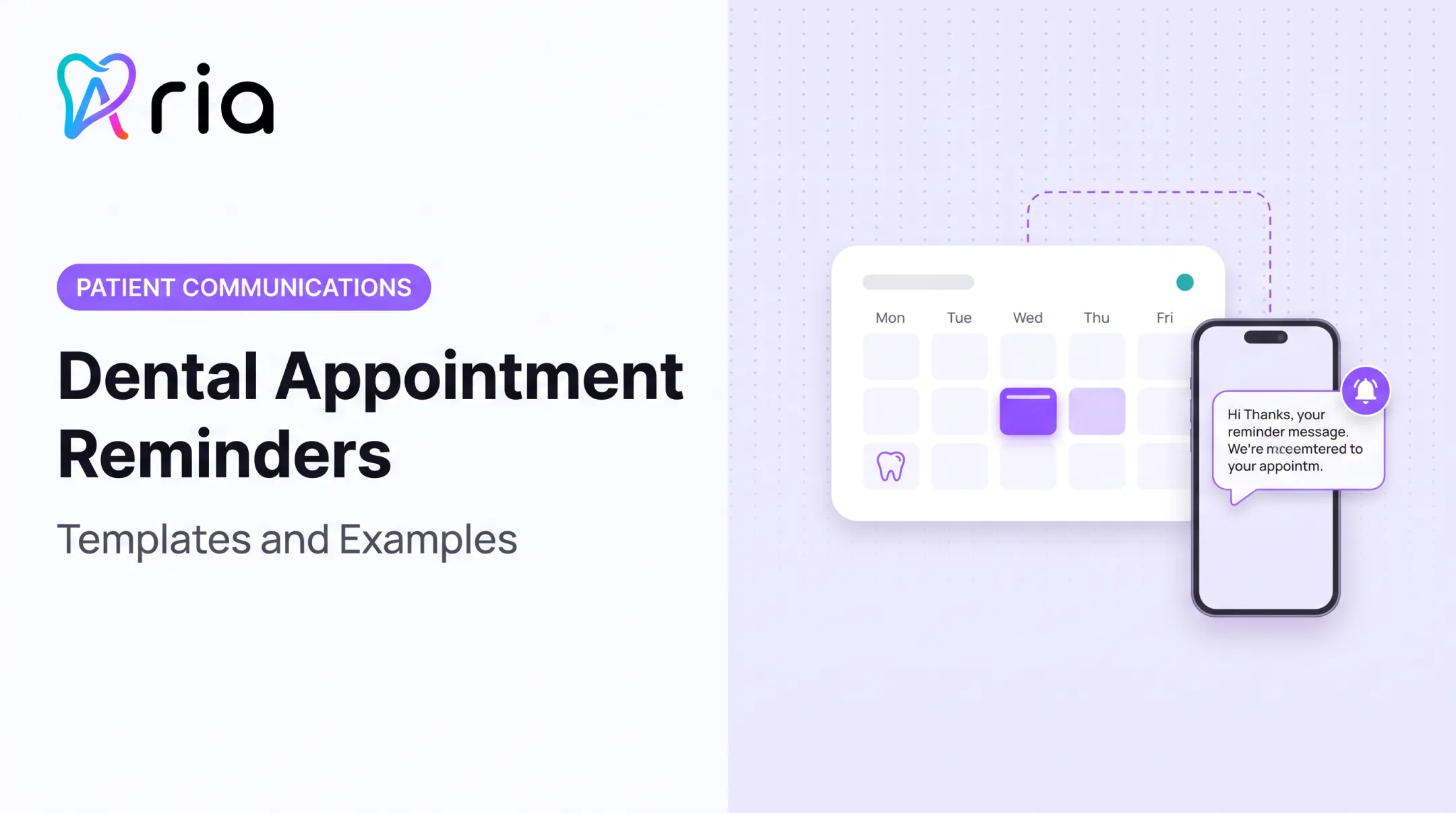
Digital appointment reminders are automated SMS, email, voice, patient-portal, or web-based messages triggered by an appointment record and sent according to a configured schedule. The system checks the calendar, finds upcoming visits, and fires off a message without anyone manually dialing a number.
There's a meaningful gap between two types:
- One-way reminders simply notify: "Your appointment is tomorrow at 2 PM." The patient reads it and that's the end of the interaction.
- Interactive reminders let the patient confirm, cancel, reschedule, ask a question, or reach the office directly from the message itself.
The second type does more work. It gives the practice advance notice when something is about to go wrong, instead of finding out when the patient fails to appear.
Reminder Types Dental Practices Can Use
SMS and email each have strengths, and neither one wins outright. A 2018 orthodontic study tracking nearly 1,200 appointments found no-show rates of 1.90% among patients who chose text reminders and 2.68% among those who chose email, a difference that wasn't statistically significant.

Patients picked their own channel, so the result says more about offering choice than about either channel being superior.
- SMS delivers fast, gets opened quickly, and works well for short confirmations and reschedule links.
- Email allows more detail: pre-op instructions, forms, maps, insurance notes.
- Voice reminders suit patients who don't text or who need a live confirmation touchpoint, particularly older patients or pediatric households.
- Patient-portal notifications fit practices where patients already log in to manage records or pay bills.
Don't confuse reminders with recall and reactivation campaigns. A reminder is tied to a booked appointment. Recall outreach targets patients overdue for hygiene visits or sitting on unscheduled treatment. Both matter, but they serve different moments in the patient relationship.
Why Digital Appointment Reminders Matter for Dental Practices
A missed cleaning is annoying. A missed implant placement or oral surgery slot is a different problem entirely. These appointments take weeks to book, require specific provider availability, and often can't be refilled on short notice. The longer the lead time and the more specialized the procedure, the harder the gap is to recover.
Evidence on reminders and attendance is mixed, so separate independent research from vendor marketing. A pediatric dentistry trial comparing SMS and voice reminders found voice outperformed text in that setting. Other channel comparisons show little difference. The honest takeaway: reminders help, but the best method depends on your patient population.
How Reminders Improve Patient and Practice Operations
Confirmation links give patients a simple way to act days before their visit, rather than having a conversation or forgetting entirely. That earlier notice is what lets a front-desk team actually offer the slot to someone else, instead of discovering the cancellation an hour before the appointment.
Automated reminders also cut down on repetitive outbound calls. Staff stop dialing every patient on tomorrow's schedule and instead spend that time on insurance verification, treatment coordination, and chasing the appointments that are actually at risk.
Message content should shift based on what's being scheduled:
- Hygiene visits: simple confirmation, maybe an insurance note.
- Pediatric appointments: caregiver-facing language, behavior-prep tips.
- Oral surgery or implants: pre-op instructions, fasting requirements, transportation guidance.
- High-value treatment: a human follow-up option built into the message, not just a link.
One vendor-reported case illustrates the scale of impact possible: Sesame Communications analyzed over 1.6 million appointments across 64 dental practices and reported a 22.95% decline in no-shows after automated reminders went live. It's the vendor's own analysis, not an independently controlled study, but it's a useful directional benchmark.
This is part of why Aria's predictive models flag patients likely to no-show before the appointment date, giving teams a chance to confirm or re-engage early rather than reacting after a missed visit.
How to Design an Effective Dental Appointment Reminder Workflow
A reminder workflow isn't a single message. It's a sequence that runs from booking through post-visit follow-up:
- Initial confirmation at the time of booking
- Pre-visit reminder(s) at set intervals
- Patient response handling: confirm, cancel, or reschedule
- Waitlist outreach if a slot opens
- Post-visit recall tied to the next hygiene or treatment interval

Segment Messages by Appointment and Patient Context
Not every appointment deserves the same message. Appointment type, lead time, patient age, provider, and procedure prep should all shape content and timing.
- A routine cleaning reminder can be short: date, time, confirm/reschedule link.
- A treatment appointment might include a note about expected length or financial estimate, without listing clinical detail in the preview text.
- A procedure requiring prep (sedation, surgery) needs instructions sent earlier, with a clear callback number for questions.
Every message should include a clear next step (confirm, reschedule, cancel, call the office, or request help), with an easy path to a real person for anything complicated.
Timing, Frequency, and Response Handling
There's no universal "best" send time. Evidence is genuinely mixed: some clinics see good results from a single reminder a few days out, others pair an early reminder with a day-before confirmation. Test both against your own no-show data rather than assuming one schedule fits every practice.
A few rules keep messaging from becoming noise:
- Cap frequency so patients aren't getting three reminders for one visit.
- Suppress further messages once a patient confirms.
- Stop all reminders immediately after a cancellation or reschedule.
- Honor stated channel preferences every time.
When a patient doesn't respond, staff should review the appointment, weigh how far out it is, and decide whether a phone call or waitlist activation makes sense.
For example, a cancellation two days before an implant appointment should trigger an immediate opening alert to a short list of eligible patients. The final booking decision still goes through a staff member, not an automated system.
How to Choose Digital Appointment Reminder Software
Good reminder software does more than send texts on a timer. Look for practice-management integration, real-time schedule sync, two-way responses, configurable workflows, reporting, and software your front desk can actually learn in a day.
Integration and Workflow Capabilities
The system needs to write confirmations, cancellations, and reschedules back into the authoritative appointment record in your PMS. A disconnected messaging list that doesn't talk to your actual schedule just creates more manual reconciliation work.
Also check whether it handles:
- Multiple locations, providers, and appointment types with provider-specific rules
- Recurring hygiene recall workflows
- Waitlist management
- Centralized oversight for multi-location groups and DSOs
The more useful platforms connect reminders to related actions such as recall outreach, no-show-risk alerts, schedule-gap monitoring, and staff task assignment, instead of treating messaging as an isolated feature.
Privacy, Consent, and Security
HHS guidance confirms that appointment reminders count as treatment communication and generally don't require a separate HIPAA authorization. That said, compliance still comes down to how your practice and vendor actually handle things:
- Security controls and a business associate agreement where the vendor accesses PHI
- Access controls and audit logging
- Documented consent and opt-out processes
- A plan for invalid numbers, shared phones, and accessibility needs
Keep sensitive details out of SMS and email previews. A message that says "Your appointment is Thursday" is safer than one that names a procedure. When in doubt, loop in qualified compliance counsel before finalizing message templates.
Reporting and Usability
Ask to see these reports before signing anything:
- Delivery status by channel
- Response and confirmation rate
- Cancellation and reschedule activity
- No-show and late-cancellation trends
- Filled openings from waitlist outreach
- Staff intervention volume
Then sit a front-office staffer down and time how many clicks it takes to confirm a patient, fix a wrong appointment time, or fill a cancelled slot. If it takes six screens, that's a real cost later.
This is the gap Aria is built to close. It works as a connected layer across the systems a practice already runs, pulling patient engagement, scheduling data, and operational alerts into one place rather than another standalone tool bolted onto the PMS. Whatever platform you evaluate, confirm exactly which reminder-specific features apply to your setup before committing.
Implementation and Measurement: Turning Reminders Into a Repeatable Practice Process
Before rolling anything out, establish a baseline per location or appointment category:
- Current no-show and late-cancellation rates
- Confirmation behavior
- Staff hours spent on reminder-related calls
Pilot with one or two appointment types (hygiene recalls are a low-risk starting point) before expanding practice-wide. Document your message templates, timing rules, escalation paths, and who owns unresolved patient responses.
Once live, review performance by provider, location, appointment type, and lead time. This is how you figure out whether reminders are solving the problem or whether something else , like scheduling policy or provider availability, needs attention too.

Aria reports an average 32% reduction in administrative overhead and more than 20 hours saved weekly in manual admin time across its customer base. These are company-reported figures, not independently audited results, and should be treated as a benchmark to test against your own numbers rather than a guaranteed outcome.
Frequently Asked Questions
What are digital appointment reminders for dental practices?
They're automated SMS, email, voice, or portal messages tied to a scheduled appointment. Basic versions just notify; interactive versions let patients confirm, cancel, or reschedule directly from the message.
Do dental appointment reminders reduce no-shows?
They can support attendance and give patients an easier way to reschedule early, but results vary by timing, channel, and follow-up process. Independent dental studies show mixed results depending on patient population and channel choice.
Should dental practices use text or email reminders?
Neither channel is consistently superior: one study found no significant difference in no-show rates between patients who chose SMS versus email. Offering both, plus a clear response path, tends to work better than picking just one.
How far in advance should a dental appointment reminder be sent?
Timing should vary by appointment type, how far out it was booked, and whether prep instructions are needed. Test a sequence against your own practice data rather than copying a fixed universal schedule.
Are automated dental appointment reminders HIPAA compliant?
Compliance depends on configuration: vendor safeguards, business associate agreements where applicable, consent and opt-out handling, and what information appears in message previews. Review your specific setup with qualified compliance counsel.
What should dental practices look for in reminder software?
Look for practice-management integration, two-way response handling, configurable workflows by appointment type, strong privacy controls, solid reporting, and an interface your front desk can actually use without extensive training.